02 September 2026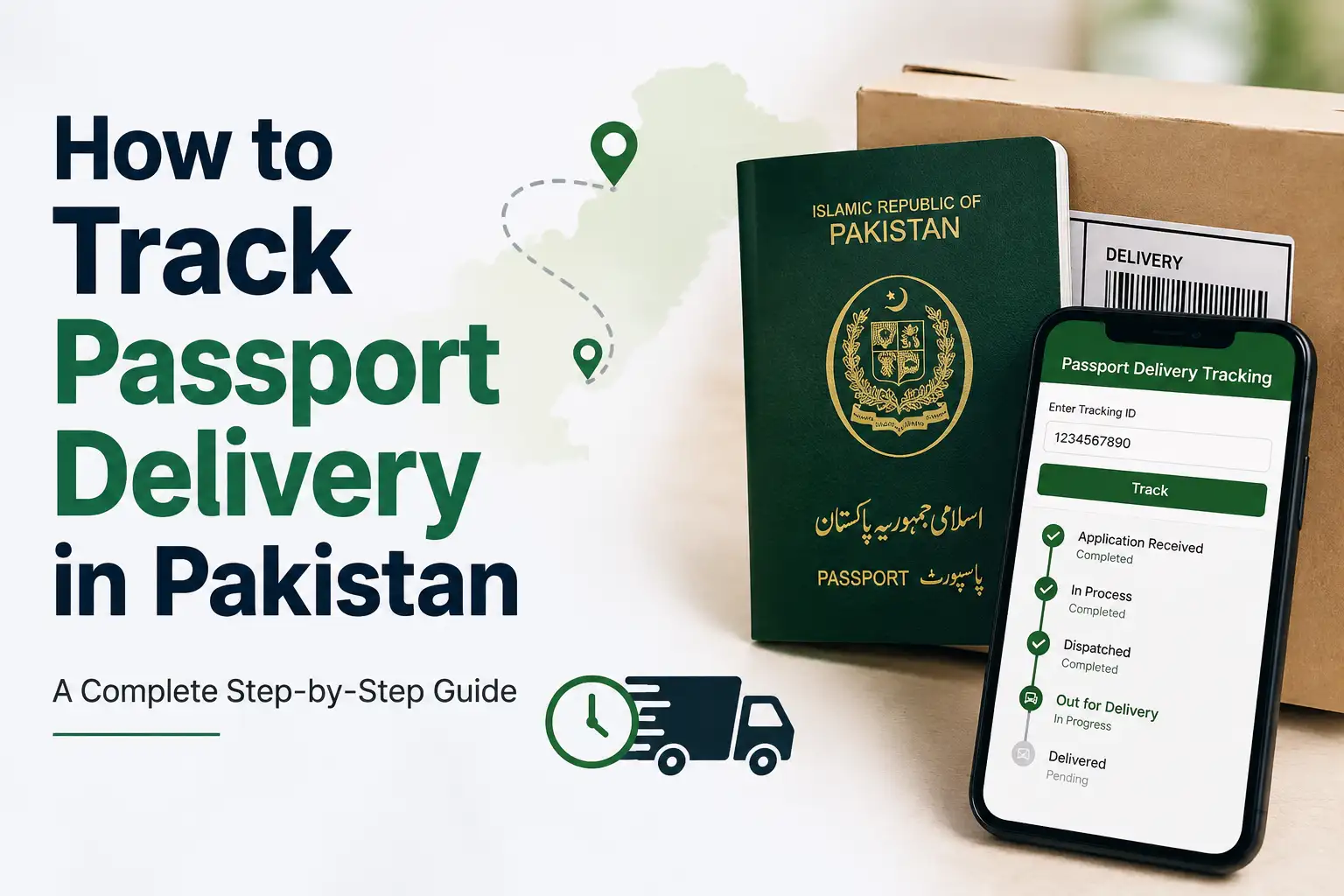
That stretch of waiting after you've submitted your passport application, especially when you have travel plans coming up, can feel a lot longer than it actually is. The good news is you don't have to just sit and wonder. The Directorate General of Immigration & Passports ( DGIP ) lets you track your application from submission all the way to dispatch, and the whole process takes less than a minute once you have the right details on hand.
What You'll Need Before You Start
Every method of tracking your passport relies on one of two things: your token number or your CNIC number. The token number is the one you were given at the passport office when you submitted your application, usually printed on the receipt slip along with a QR code, and it's also typically sent to you via SMS or email at the time of application. If you've misplaced the physical slip, don't worry, your CNIC number works just as well for tracking purposes on most platforms.
It's worth saving your token number somewhere on your phone the moment you get it, since you'll likely check your status more than once before the passport actually arrives.
Track Your Application on the DGIP Website
This is the official and most reliable way to check your status, since it comes directly from the department handling your passport.
Here's how to do it:
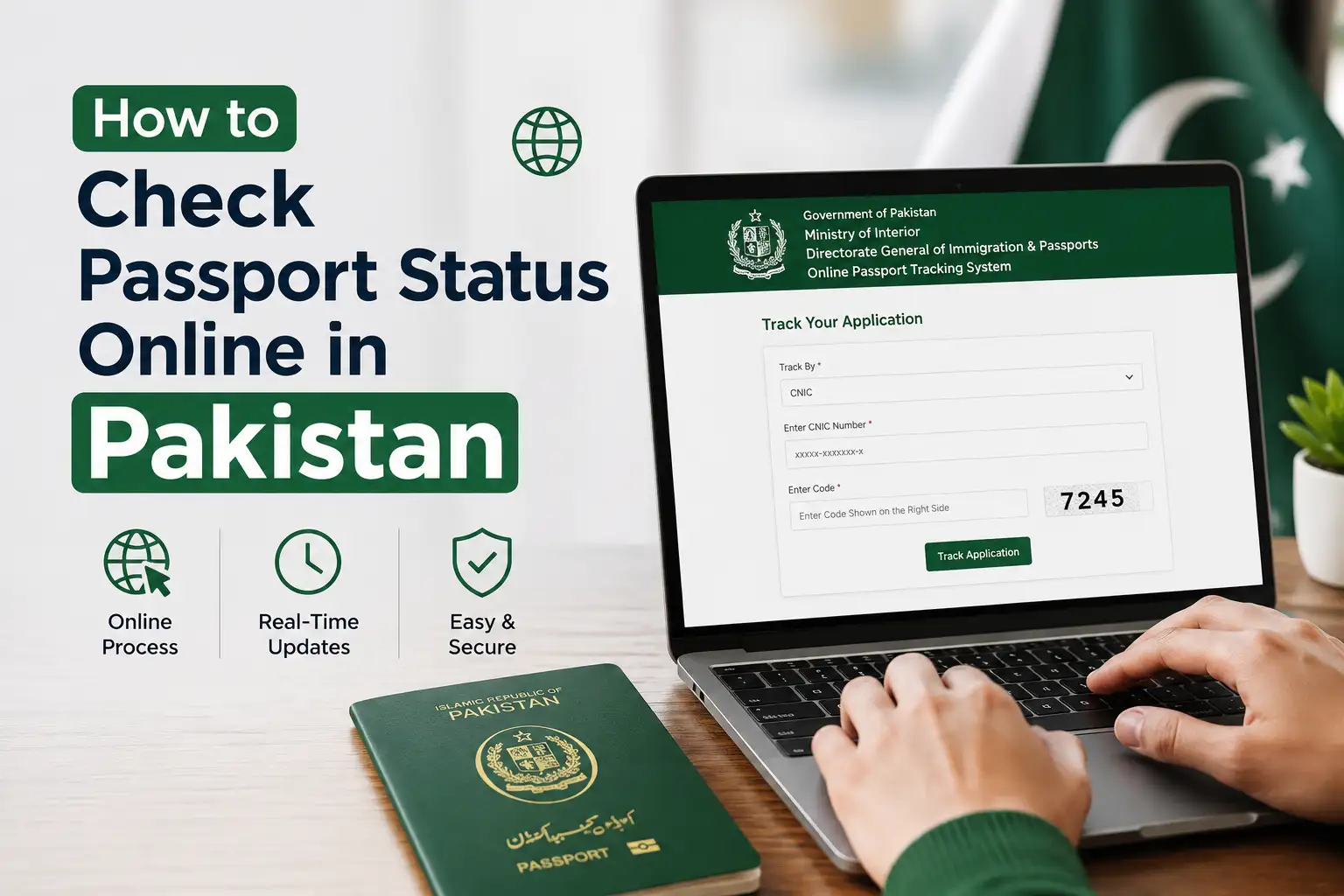
- Go to the official DGIP website at dgip.gov.pk
- Look for the Track Your Application option, usually available right on the homepage
- Enter your token number or CNIC number as requested
- Submit the request, and your current application status will show up on screen
The status shown will typically move through a few stages, starting from application received, then verification, followed by printing, and finally dispatch. Each of these stages reflects where your passport actually is in the process, so if it's still showing verification, there's no reason to worry yet, it just means it hasn't reached the printing stage.
Check Your Status Through SMS
If you'd rather not deal with a website, or you just want a quick update without opening a browser, DGIP also offers an SMS based tracking service that works from anywhere inside Pakistan.
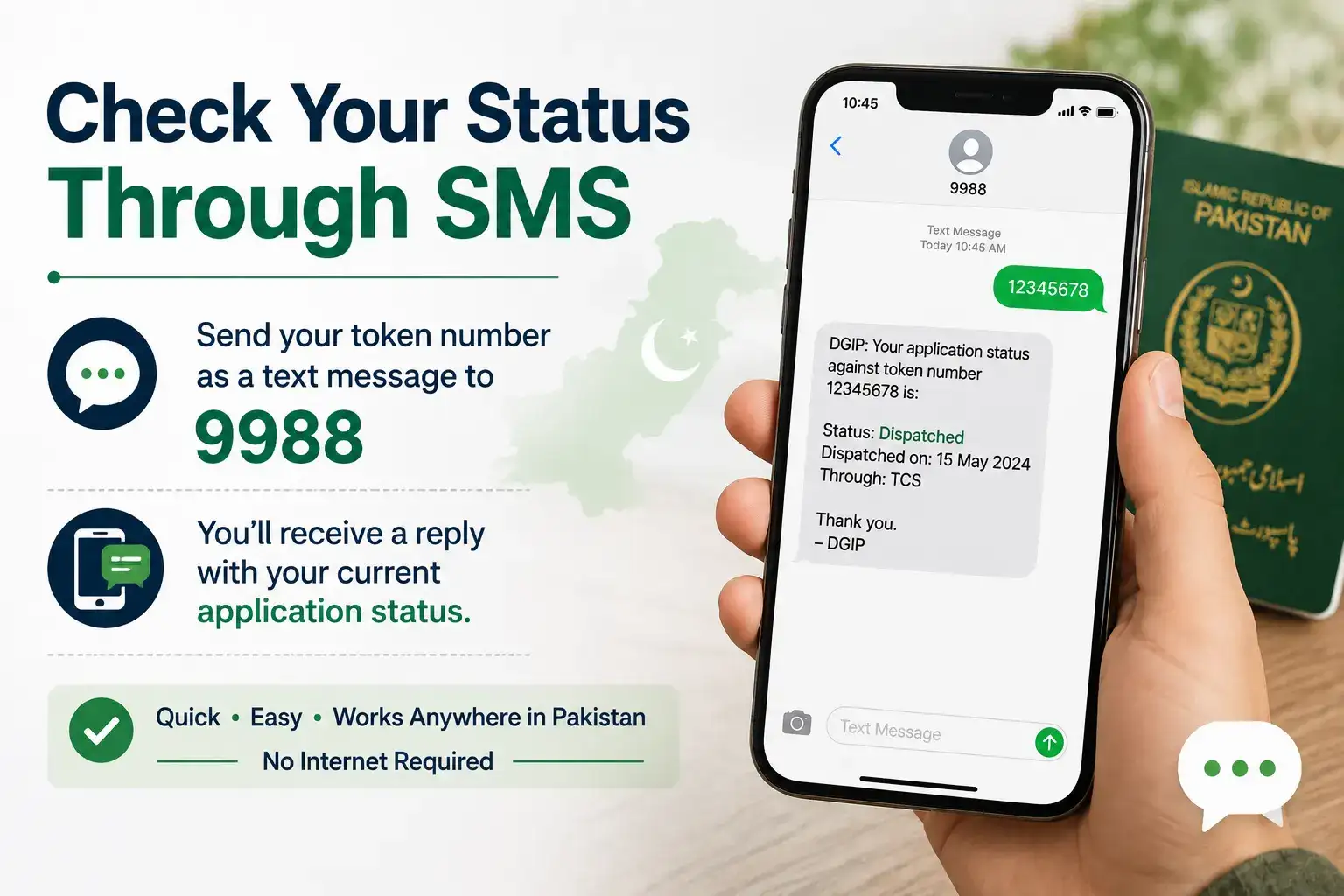
Send your token number as a text message to 9988, and you'll receive a reply showing your current application status. This method is genuinely convenient since it works on any phone, doesn't need an internet connection, and gives you the same information as the website in a fraction of the time.
For Overseas Pakistanis: Email Rabta Service
If you applied for or renewed your passport while living abroad, DGIP has a dedicated system for you called the Email Rabta service. As long as you provided a correct email address when submitting your application, you'll automatically receive status updates by email as your passport moves through processing, without needing to log in anywhere or send anything yourself.
This is particularly useful for overseas Pakistanis who might not have easy access to a Pakistani mobile number for SMS tracking, since the entire update system runs through email instead.
Understanding What Each Status Actually Means
It helps to know what you're actually looking at once a status appears, so you're not left guessing.
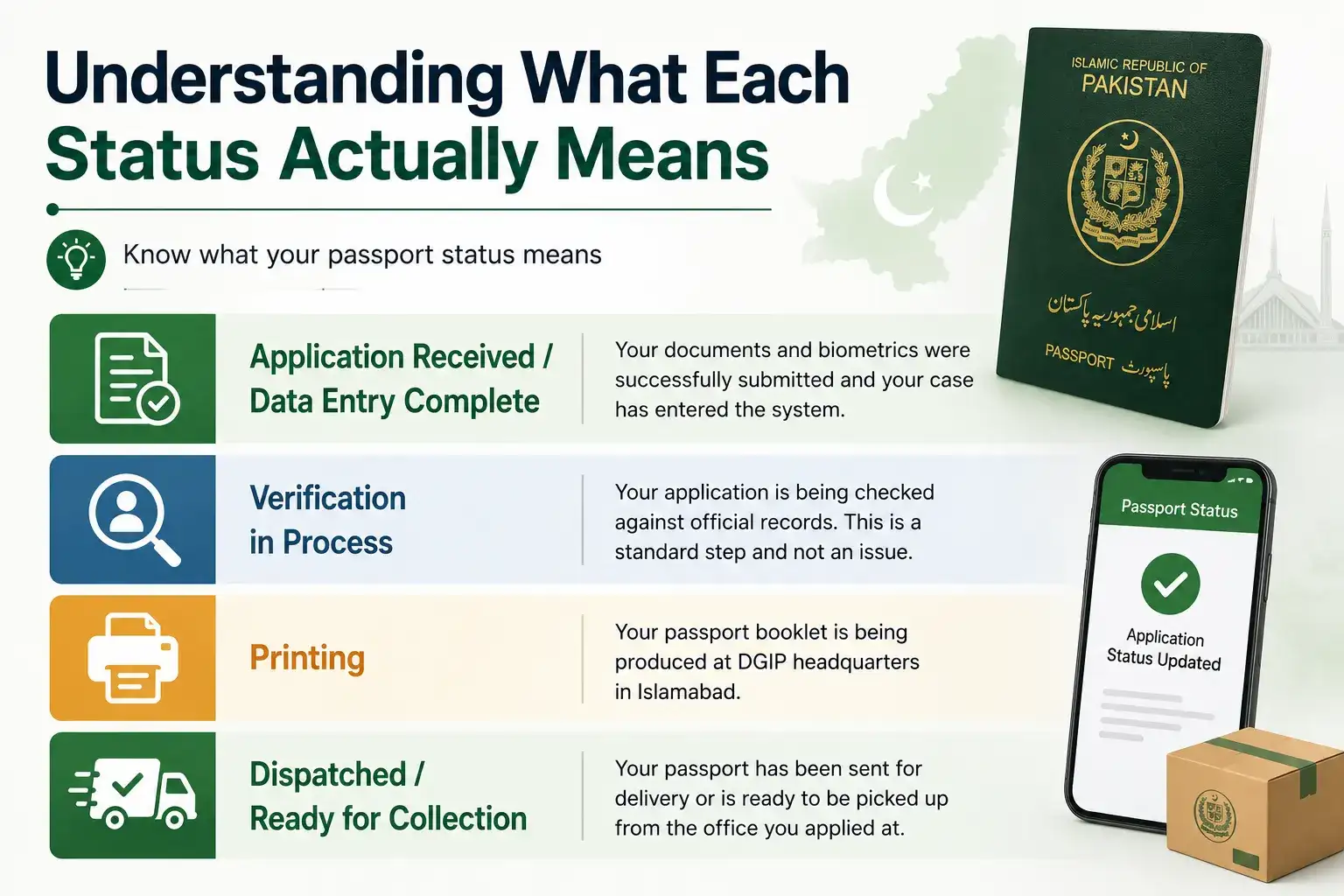
Application Received / Data Entry Complete simply confirms your documents and biometrics were successfully submitted and your case has entered the system.
Verification in Process means your application is being checked against official records, which is a standard part of every application and doesn't necessarily indicate any issue with your case.
Printing means your passport booklet is actively being produced at DGIP headquarters in Islamabad, which is usually one of the last stages before it's ready.
Dispatched / Ready for Collection means your passport has either been sent out for delivery or is ready to be picked up from the office where you applied, depending on which delivery option you selected at the time of application.
What to Do If Your Status Seems Stuck
If your application appears to be sitting at the same stage for longer than expected, it's more often a minor record mismatch than a lost application, something like a discrepancy between your CNIC details and your passport application data, which can cause a temporary hold during verification. Rather than waiting indefinitely, it's worth contacting the DGIP helpline directly or visiting the Regional Passport Office where you originally applied, so staff can check your specific case and let you know exactly what's causing the delay.
It's also worth double checking that the token number or CNIC you're entering matches exactly what's on your original receipt, since even a small typo will show an incorrect or blank result rather than an error message telling you what went wrong.
Renewing or Applying Online
If you're just applying for a new passport or renewing an existing one rather than tracking a submitted application, DGIP also allows renewals to be initiated online through their website before you visit an office to complete biometrics and verification in person. This can save you some time at the counter, since a portion of the paperwork is already done digitally before you arrive.
Frequently Asked Questions
How do I track my passport application status online?
Visit dgip.gov.pk, select Track Your Application, and enter your token number or CNIC to see your current status.
Can I track my passport status through SMS?
Yes, send your token number to 9988 from inside Pakistan, and you'll receive your current status by reply text.
How do overseas Pakistanis get passport status updates?
Through the Email Rabta service, which automatically sends status updates to the email address provided at the time of application.
Is tracking my passport application free?
Yes, tracking through the DGIP website, SMS, or email is completely free of charge.
What should I do if my passport status hasn't changed in a while?
Contact the DGIP helpline or visit the Regional Passport Office where you applied, since delays are usually caused by a minor record mismatch that staff can resolve directly.
How Long Delivery Actually Takes
One of the most common things people wonder while tracking their status is simply how long the whole process should take, since that context makes the tracking updates a lot easier to interpret. Processing time in Pakistan generally depends on which category you applied under, normal, urgent, or fast-track, with normal applications taking noticeably longer than the expedited options, which come at a higher fee but move through printing and verification faster. If you selected home delivery at the time of application, your passport will be dispatched through a courier service once printing is complete, and you should watch for a courier tracking number as well, since that becomes the more relevant piece of information once your DGIP status shows dispatched.
If you opted to collect it in person instead, your status will show "ready for collection" once it's available, at which point you can visit the Regional Passport Office where you applied to pick it up, usually just by bringing your original CNIC and the receipt you were given at submission. Either way, keep in mind that remote or smaller towns can sometimes see slightly longer courier delivery windows compared to major cities, simply due to logistics, so a "dispatched" status doesn't always mean it'll arrive the very next day.
Tracking your passport really doesn't take more than a minute once you have your token number or CNIC ready. Whether you check through the DGIP website, a quick SMS to 9988, or just wait for an email update if you're abroad, you'll always know exactly where your application stands without needing to visit an office in person.