02 September 2026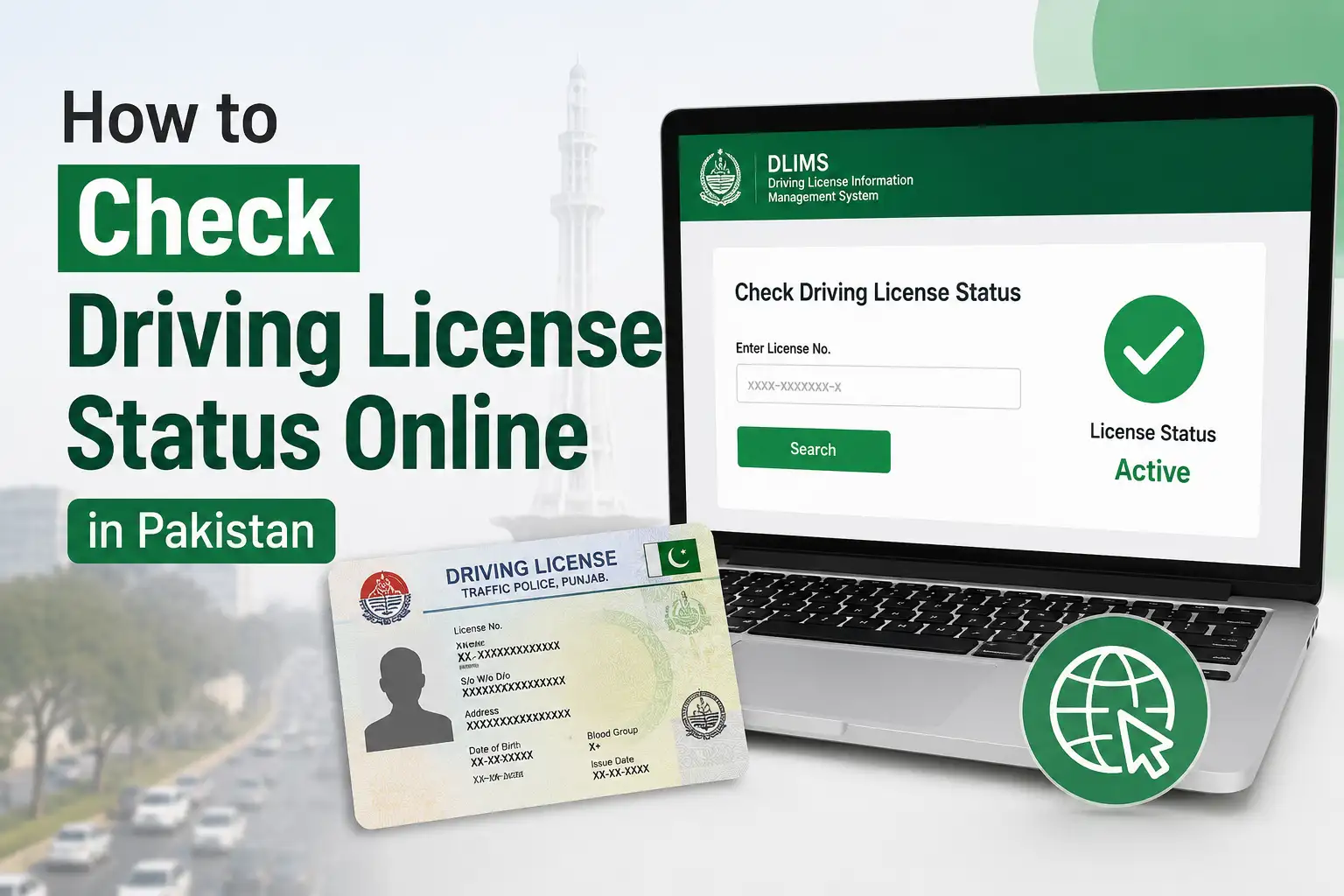
Applying for a driving license and then not knowing what's happening with it afterward is one of those small frustrations everyone can relate to. Between the learner's permit, the driving test, and finally the actual card being printed and delivered, there's a real gap where you're just left wondering. Thankfully, checking your status doesn't require a repeat visit to the licensing office anymore. Here's a full walkthrough of how it works.
Punjab: Checking Status Through DLIMS
Punjab currently has the most developed system for this, called DLIMS, the Driving License Issuance Management System, run by the Punjab IT Board together with the Excise, Taxation and Narcotics Control Department, in coordination with Punjab Police for verification purposes. It covers every district in the province, from Lahore and Rawalpindi to Multan, Faisalabad, Gujranwala, and beyond.
Here's how to check your status:
- Go to the official DLIMS website at dlims.punjab.gov.pk
- Look for the Track License or License Status option on the homepage
- Enter your CNIC number, 13 digits, without any dashes or spaces
- Complete the captcha shown on screen
- Submit the request, and your current application status will appear
The same portal also has a separate Verify License option, which is slightly different from status tracking, this one is used to confirm whether an already issued license is genuine and active, which is useful if you're an employer checking a driver's credentials or simply want to double-check your own license's validity.
What the Different Status Updates Mean
Once you check, you'll typically see your application sitting at one of a few stages, and understanding what each one means saves you from unnecessary confusion.
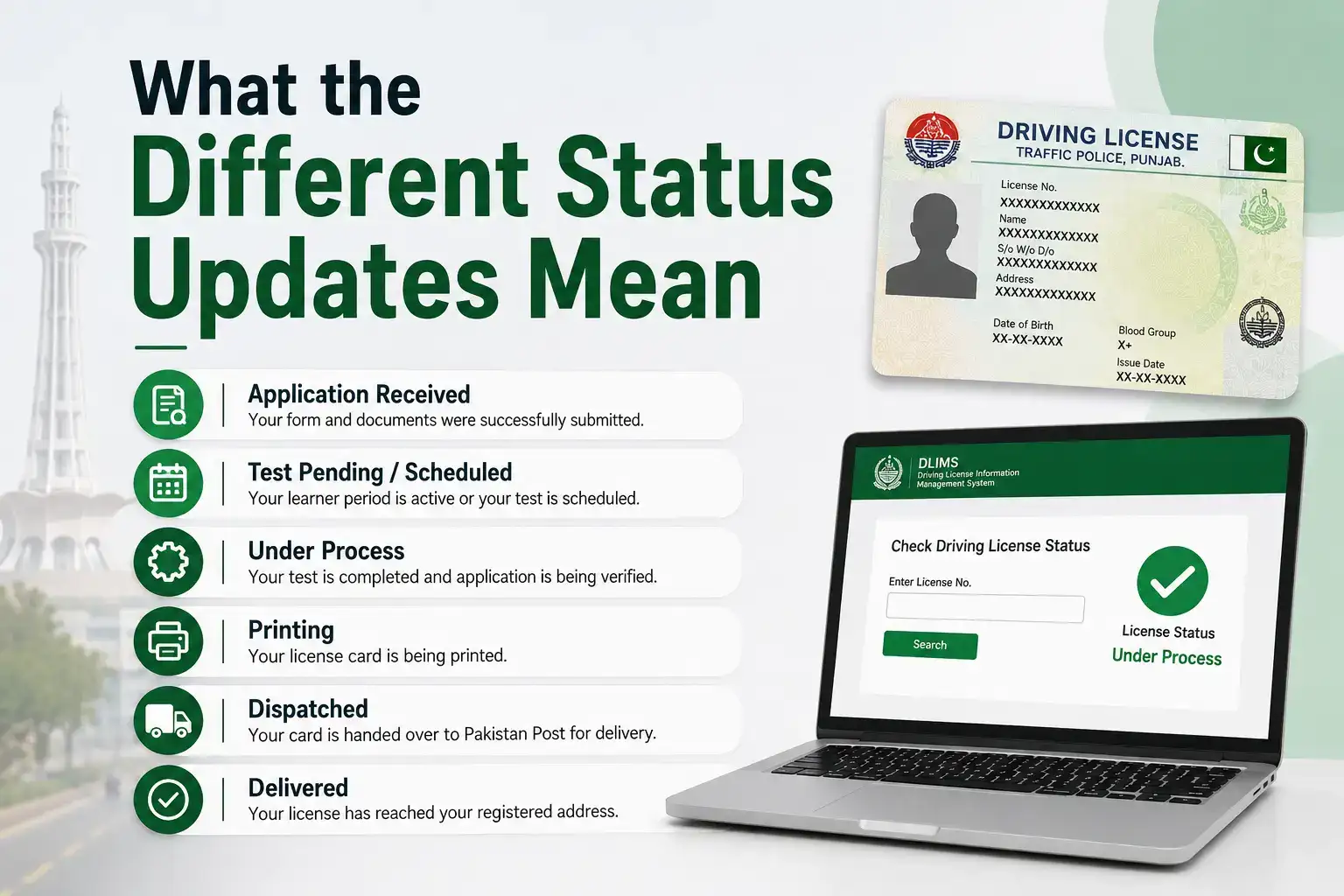
Application Received confirms your form and documents were successfully submitted and your case has entered the system.
Test Pending / Scheduled means your learner period is active or your practical driving test has been scheduled but not yet completed.
Under Process means your test has been completed and your application is being verified before the card gets printed.
Printing means your physical license card is actively being produced.
Dispatched means your card has been handed over to Pakistan Post for delivery. If your status shows this, note down the tracking details if provided, since you can follow the physical parcel separately through Pakistan Post's own tracking system. Delivery generally takes anywhere from about a week to a few weeks depending on your city and district, so a dispatched status doesn't necessarily mean it'll show up the next day.
Delivered means your license has reached your registered address.
Checking Your Learner's License Status
If you're still at the learner's permit stage rather than checking a full license application, the same DLIMS portal covers this too. Learner licenses in Punjab are typically issued digitally and quite quickly once your application and initial documents are approved, and you can check whether yours is active or still processing through the same Track License section using your CNIC.
Islamabad: Checking Status Through ITP
If your license was applied for in Islamabad rather than Punjab, you'll need to go through the Islamabad Traffic Police (ITP) system instead, since it operates separately from Punjab's DLIMS. The City Islamabad App is generally the most convenient way to check this, since it consolidates several ITP and Excise related services, including license status, in one place. If you're unsure which system your application actually falls under, it's worth checking both DLIMS and the City Islamabad App, since applicants sometimes get confused about which department processed their paperwork.
Sindh and Other Provinces
Sindh, Khyber Pakhtunkhwa, and Balochistan each run their own versions of a driving license management system through their respective provincial Excise and Taxation or Traffic Police departments. The underlying process tends to follow the same basic logic as Punjab's DLIMS, CNIC based lookup and status tracking, but the exact web portals and level of digital rollout vary by province. If you applied outside Punjab or Islamabad, your best approach is to search for your specific province's official Excise and Taxation Department or Traffic Police website, since the license verification service will typically be listed under their citizen services section.
What to Do If Your Status Seems Stuck
If your application appears to be sitting at the same stage longer than you'd expect, it's usually caused by something fixable rather than a lost application, a document discrepancy, an incomplete biometric record, or a temporary backlog at the printing stage. Rather than waiting indefinitely, contacting the Excise office where you applied, or calling the DLIMS helpline if one is listed on the official portal, is the fastest way to get a clear answer on your specific case.
It's also worth double checking that you're entering your CNIC exactly as required, without dashes, since a formatting mismatch is one of the most common reasons people see a No Record Found message even when their application is perfectly fine.
A Word of Caution About Third Party Websites
A quick search for driving license status checking will bring up a long list of independent websites offering the same service, and while some are genuinely convenient, many exist purely to generate ad revenue and aren't affiliated with any government department. A few even display made up or placeholder information dressed up to look official. For anything involving your CNIC number or license details, it's safest to stick to the official dlims.punjab.gov.pk portal for Punjab, or your relevant province's actual government Excise or Traffic Police website, rather than a site you found buried a few results down in a search.
Frequently Asked Questions
How do I check my driving license status in Punjab?
Visit dlims.punjab.gov.pk, select Track License, enter your CNIC without dashes, complete the captcha, and your current status will appear.
How long does it take for a driving license to arrive after it's dispatched?
Delivery through Pakistan Post generally takes about one to three weeks depending on your city and district after your status shows as dispatched.
Can I check my driving license status outside Punjab?
Yes, but you'll need to use your relevant province's own system, such as the City Islamabad App for ITP, or your provincial Excise and Taxation Department's website for Sindh, KP, or Balochistan.
Is checking driving license status online free?
Yes, checking your status through the official DLIMS portal or your province's official system is completely free.
What should I do if my license status hasn't updated in weeks?
Contact the Excise office where you applied to check whether a document issue or biometric discrepancy is causing the delay.
Documents Worth Having Ready While You Check
While checking your status itself only requires your CNIC, keeping a few related documents accessible can save you time if you run into an issue or need to follow up in person. Your original application receipt or PSID (Payment Slip ID) from when you applied is worth holding onto, since it often has a reference number that staff can use to pull up your case faster than a CNIC search alone. If you recently completed your practical driving test, keeping the test slip or any confirmation you received is also useful, particularly if your status seems stuck at the Under Process stage longer than expected, since it gives the Excise office something concrete to check your case against.
This becomes especially relevant if you ever need to visit the office in person rather than relying purely on the online portal, since staff can resolve most status queries much faster when you're able to hand over a physical reference rather than just reciting your CNIC number from memory.
Checking the Status of a License Renewal
Renewals follow a slightly different track than a brand new application, since you're not going through the learner's permit or driving test stages again, but the online status check works exactly the same way through DLIMS using your CNIC. Renewal applications in Punjab typically move faster overall since a large part of the process is confirming your existing record and updated biometrics rather than starting from scratch, so if your status shows Under Process for a renewal, it's usually a shorter wait compared to a first time application at the same stage.
It's worth applying for renewal a few weeks before your current license actually expires, since driving with an expired license, even by a few days while a renewal is being processed, can technically still be flagged during a routine traffic stop. Checking your renewal status periodically in the lead up to your expiry date helps you stay ahead of this rather than cutting it close.
If Your Biometric Details Have Changed
Occasionally, a status check turns up an unexpected delay because something in your biometric record doesn't quite match what's on file, this can happen if your fingerprints were affected by an injury, or if there's a mismatch between what NADRA has on record for your CNIC and what DLIMS captured during your application. If your status seems stuck without explanation for an unusually long time, this is one of the less obvious reasons worth asking about directly at the Excise office, since it's not something a generic online status message will spell out clearly.
In these cases, staff can usually guide you through a re-verification step, which might mean a quick re-scan at the office rather than restarting your entire application, so it's rarely as complicated as it might sound if you're seeing this for the first time.
Checking your driving license status really doesn't take long once you know which official portal covers your province. A quick CNIC based search on DLIMS or your local traffic authority's site tells you exactly where your application stands, no repeat office visits required.