26 August 2026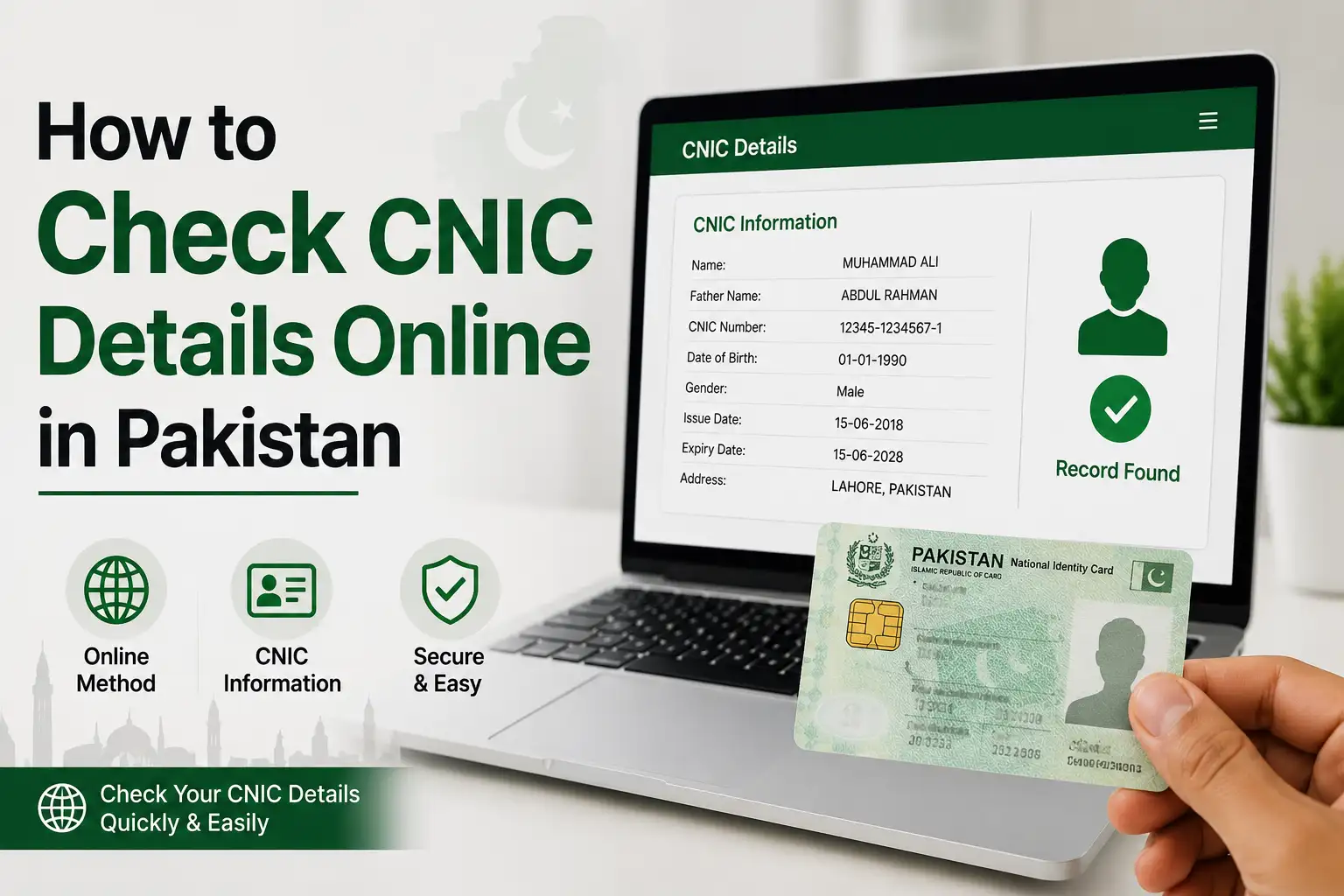
At some point, almost everyone in Pakistan needs to double check something about their CNIC. Maybe you're not sure if your address on record is still correct, maybe you want to confirm your voter registration details, or maybe you just want to make sure everything on file matches what's printed on your card. Whatever the reason, the process is a lot simpler than most people expect, as long as you know which official channel to use for what.
Why You Can't Just Search Your CNIC Details Online
Before getting into the actual methods, it's worth clearing up a common misunderstanding. A lot of people assume there's some website where you type in a CNIC number and all the details pop up, name, address, photo, family record, and so on. That doesn't exist, and for good reason. CNIC data is protected personal information, and NADRA doesn't allow open lookups where anyone can pull up someone else's record just by knowing their number. If you ever come across a website or app promising exactly that, especially anything claiming to show a stranger's photo or full details from just a CNIC or phone number, it's not a legitimate NADRA service, and using it can actually put you on the wrong side of Pakistan's cybercrime law.
What you can do, and quite easily, is verify your own CNIC details through NADRA's official channels, since these are built specifically to confirm your own identity to you, not anyone else's.
Check Your CNIC Details Through the Pak Identity App
This is NADRA's main digital service for citizens, and it covers a lot more than just checking details, it's also how you'd apply for a new CNIC, renew an expiring one, or request a modification.
Here's how to use it:
- Download the Pak Identity app from the Google Play Store or Apple App Store, make sure it's the official NADRA published version
- Create an account using your CNIC number, mobile number, and email address
- Complete biometric verification through your fingerprint or facial recognition, depending on what your device supports
- Once logged in, you can view your registered details, track any ongoing application, or request updates directly from the app
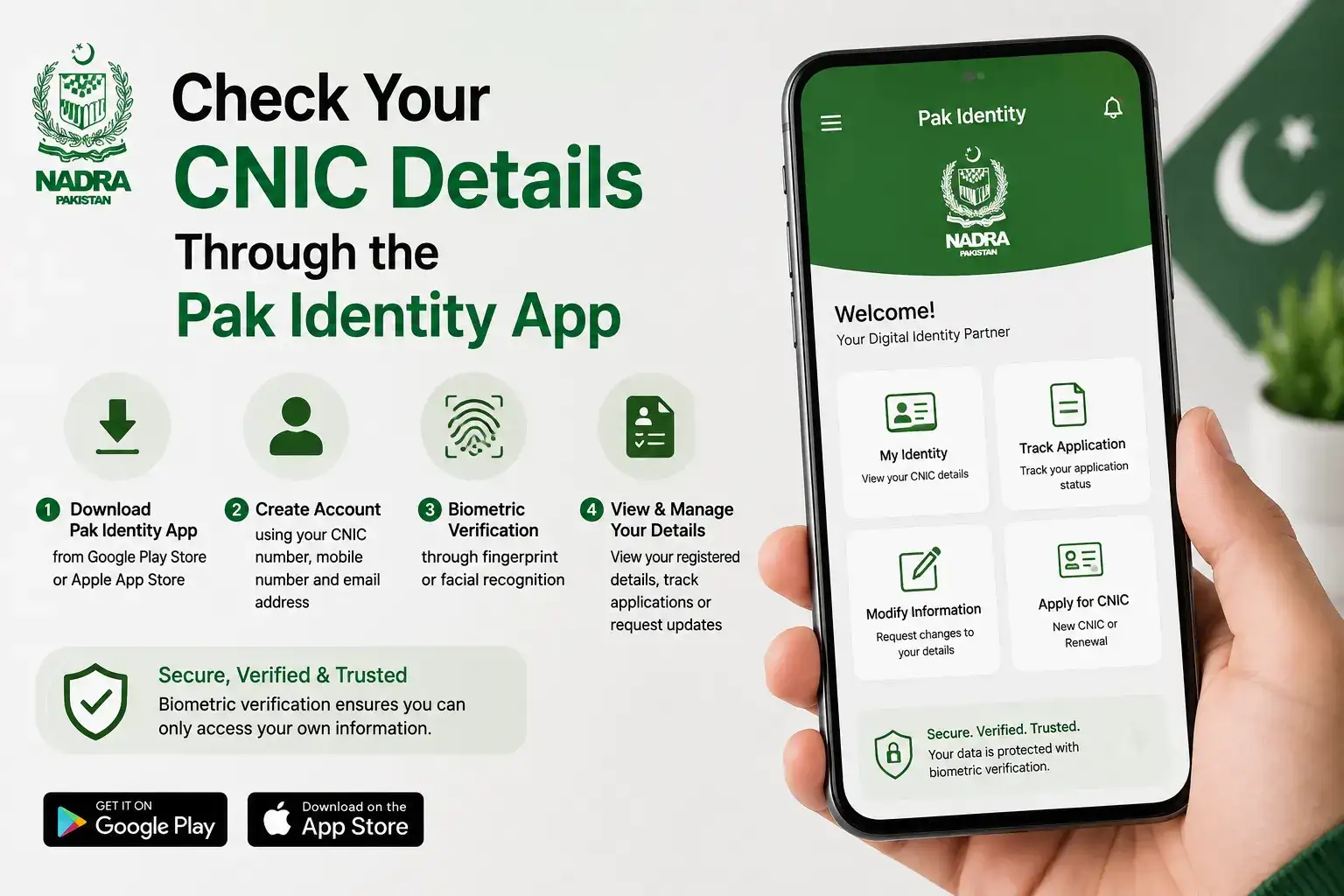
Since the app verifies you biometrically before showing anything, you're only ever able to see your own record, which is exactly the kind of safeguard that makes this a genuinely secure way to check your details rather than a workaround.
Check Details Through id.nadra.gov.pk
NADRA also runs a web-based identity portal at id.nadra.gov.pk, which serves a similar purpose to the app but through a browser. If you've already registered an account here previously, logging in lets you view your basic identity information, check the status of any application, and access services like requesting a Family Registration Certificate, which lists your registered family members and is often needed for inheritance matters, visa applications, or school admissions.
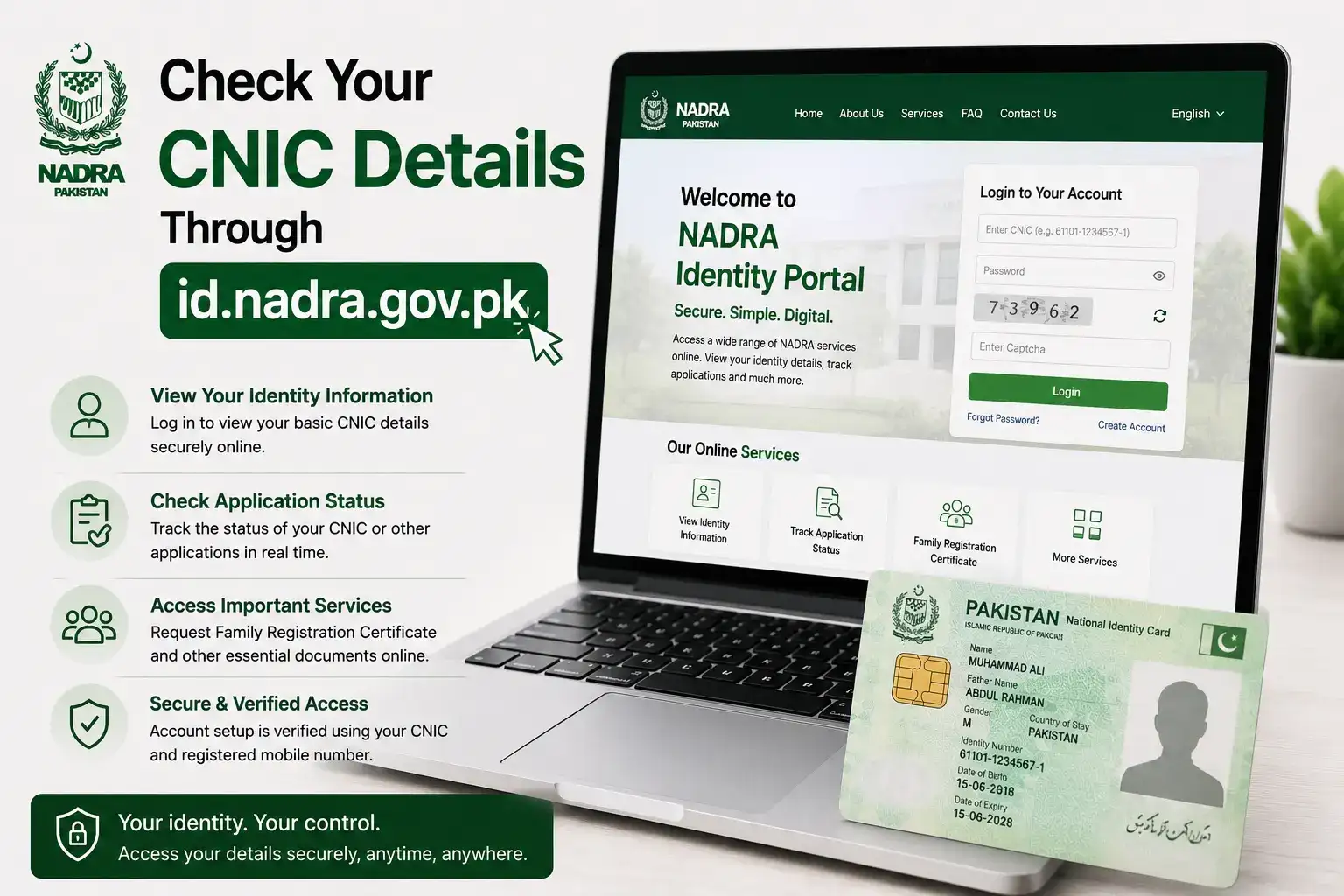
If you haven't used this portal before, setting up an account follows a similar identity-verification process to the app, so keep your CNIC and registered mobile number handy when you go through it for the first time.
Track a CNIC Application You've Already Submitted
If you've recently applied for a new CNIC, a renewal, or a modification and want to check where it stands rather than viewing your existing record, this is a slightly different process. You can text your 10 digit tracking ID, found on your token receipt or confirmation email, to 8400, and you'll get an SMS back with your current application status. The same tracking works through the Pak Identity app and the id.nadra.gov.pk portal as well, so use whichever is more convenient for you.
Check Your Voter Registration Details
If what you're really trying to confirm is whether your CNIC is linked to a specific voter registration or polling station, that's actually handled separately from your general CNIC record. You can send your CNIC number to 8300, and the Election Commission's system will text you back your voter registration details, including your registered constituency and polling station. This is worth checking every so often, especially if you've moved cities or changed your address since your CNIC was last updated, since your voter registration doesn't always update automatically alongside it.
Visit a NADRA Registration Center in Person
If something on your online record looks off, or you'd simply rather have a staff member confirm things directly, visiting your nearest NADRA Registration Center (NRC) remains a completely reliable option. Bring your original CNIC, and the counter staff can pull up your full record, confirm any details you're unsure about, and guide you through corrections if something needs to be updated. NADRA has also been piloting a wider e-Sahulat franchise network in a few major cities for routine services like reprints and renewals, so depending on where you live, you might not even need to visit a dedicated NRC for simpler requests.
Stay Cautious About Third Party CNIC Lookup Sites
This is worth repeating because it comes up constantly: any website or app that claims it can show you someone's CNIC photo, address, or personal details just by entering a phone number or CNIC number is not legitimate. As of now, there is no legal service in Pakistan that maps a phone number back to a CNIC or lets you search records by name. These sites are either scams designed to collect your own data, or they're circulating old leaked information, both of which you want to stay well away from. Stick to Pak Identity, id.nadra.gov.pk, and NADRA's official SMS codes for anything involving your identity information.
Frequently Asked Questions
Can I check someone else's CNIC details online?
No, NADRA does not offer any public lookup for checking another person's CNIC details, and doing so through unofficial means may violate Pakistan's cybercrime laws.
What app does NADRA officially use for checking CNIC details?
The Pak Identity app is NADRA's official service for viewing your own CNIC details, tracking applications, and requesting modifications or renewals.
How do I check my voter registration linked to my CNIC?
Send your CNIC number to 8300, and the Election Commission's system will text back your registered constituency and polling station.
How can I track a CNIC application I've already submitted?
Text your 10 digit tracking ID to 8400, or check the status directly through the Pak Identity app or id.nadra.gov.pk.
Is it safe to enter my CNIC number on any website that offers to check my details?
No, only use NADRA's official app and website. Third party sites offering full CNIC lookups by number are not legitimate and may misuse your data.
What to Do If Your Details Are Outdated or Incorrect
It's fairly common to check your CNIC record and notice something that no longer matches reality, an old address from years ago, a name spelling that's slightly off, or marital status that hasn't been updated since a major life change. This isn't unusual, and it doesn't mean anything is wrong with your CNIC's validity, it just means the record needs a modification request filed. You can start this process through the Pak Identity app by selecting the modification option and uploading whatever supporting documents are needed for the specific change, such as a marriage certificate for a marital status update or a utility bill for an address change.
If the correction involves something more sensitive, like a name change or a discrepancy in your family record, it's usually faster to visit an NRC in person, since staff can review the supporting documents directly and answer questions about what's required rather than leaving you guessing through an online form. Either way, it's worth fixing these details sooner rather than later, since an outdated address or incorrect detail can occasionally cause friction with banks, visa applications, or other processes that cross check your CNIC information against other records.
Checking your CNIC details online really isn't complicated once you know which official channel handles what, whether that's the Pak Identity app for your general record, 8300 for voter details, or 8400 for tracking an active application. Sticking to these official routes keeps your information secure while still giving you quick access to exactly what you need.