 Business Desk
 12 August 2026
he Computerized National Identity Card (CNIC) is the most important identity document for every Pakistani citizen. From opening a bank account to registering a SIM card, applying for a passport, or accessing any government service, a valid CNIC is essential. If your CNIC expires, it can disrupt several things you rely on your mobile SIM may get blocked, bank accounts can be flagged, and access to government portals may be restricted.
So naturally, a lot of people want to know one simple thing: how do you check your CNIC expiry date online? Here's everything you need to know.
Can You Check CNIC Expiry Date Online Using Just Your CNIC Number?
This is the first question most people ask, and it makes sense everyone wants a quick, one step solution. But here's the honest answer: NADRA doesn't offer a public website or tool where you can check your CNIC expiry date by simply entering your CNIC number. This isn't an oversight; it's a deliberate privacy restriction. CNIC data is sensitive personal information, and NADRA doesn't allow open access to it, so that no one can look up someone else's record without proper authorization.
That doesn't mean you're out of options, though. You can still find your own expiry date easily — you'll just need to either verify your identity through an official channel or check the date printed on your card.
Check the Expiry Date Printed on Your Card
The simplest and fastest way is to just look at your card. Every CNIC or Smart CNIC has the expiry date printed directly on the front.
- Look toward the bottom section of the card
- It's labeled "Date of Expiry" or "Valid Until"
- The format is usually DD/MM/YYYY
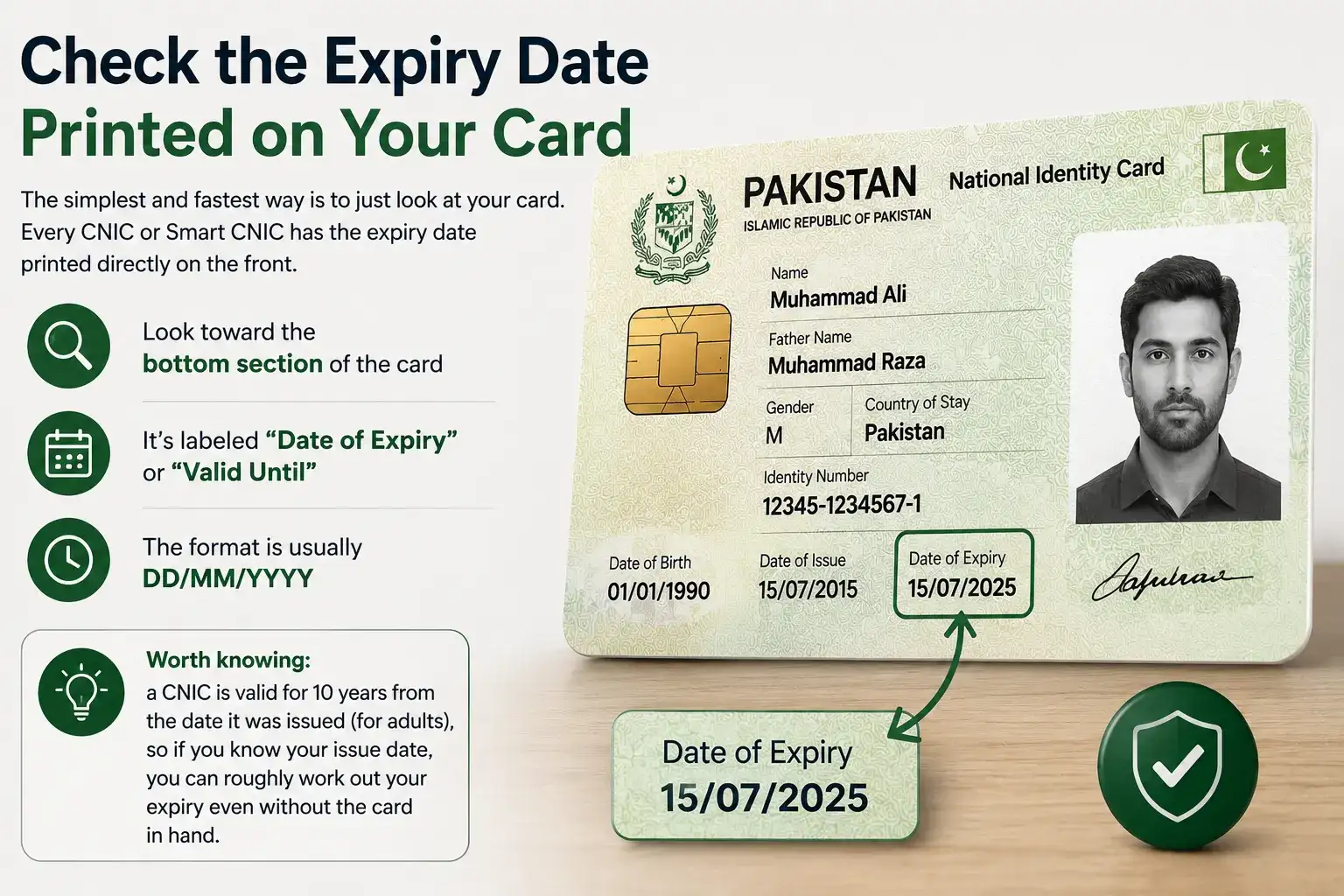
No internet, no app, no waiting just check your card and you have your answer.
Worth knowing: a CNIC is valid for 10 years from the date it was issued (for adults), so if you know your issue date, you can roughly work out your expiry even without the card in hand.
Use the Pak ID App
If your card is lost, damaged, or you'd rather verify things digitally, NADRA's own Pak ID App is the best official route.
Here's how it works:
- Download the Pak ID App (available for both iOS and Android)
- Create an account or log in using your CNIC number and mobile number
- Complete biometric verification facial recognition or fingerprint
- Once you're logged in, head to your profile/ID details section to see your expiry date
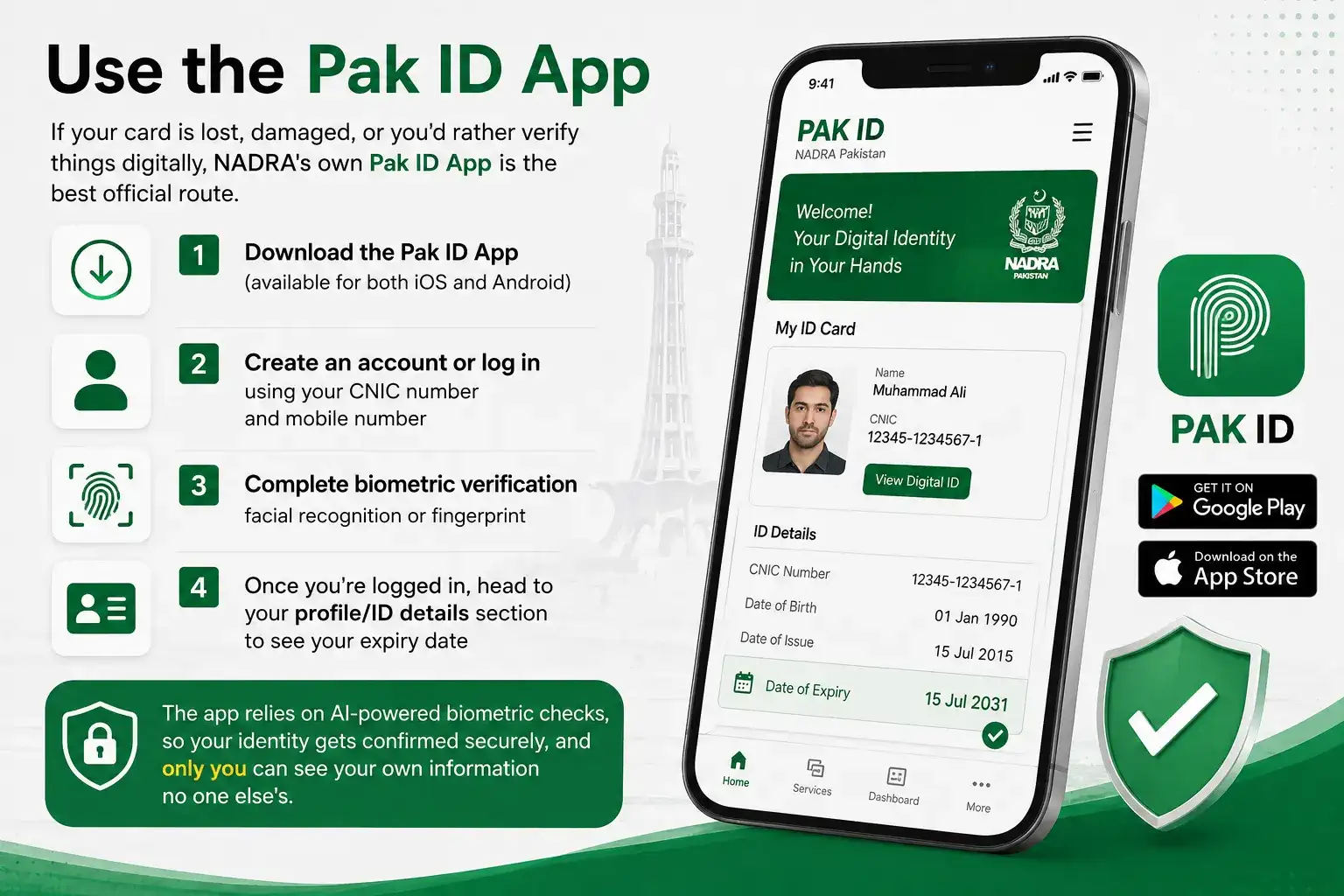
The app relies on AI powered biometric checks, so your identity gets confirmed securely, and only you can see your own information no one else's.
Try the Pak Identity Portal (id.nadra.gov.pk)
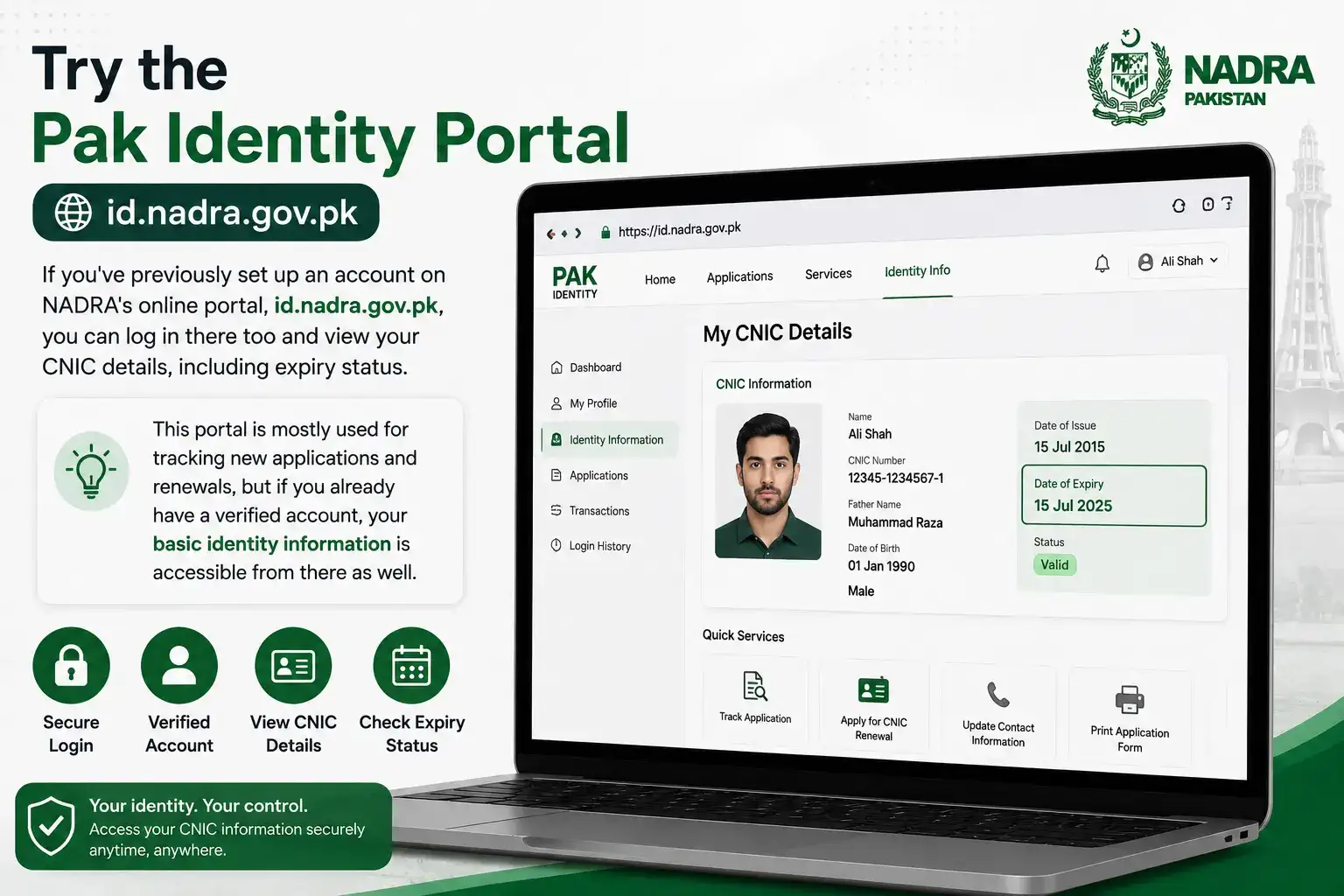
If you've previously set up an account on NADRA's online portal, id.nadra.gov.pk, you can log in there too and view your CNIC details, including expiry status. This portal is mostly used for tracking new applications and renewals, but if you already have a verified account, your basic identity information is accessible from there as well.
Visit a NADRA Registration Center
Sometimes the simplest thing to do is just go in person. If the online options aren't working for you, or you want official confirmation on the spot, visit your nearest NADRA Registration Center (NRC) and ask the counter staff to check your CNIC status. It takes a bit more time, but it's completely reliable.
A Word of Caution About Third Party Websites
You'll come across websites online that claim they can show you your CNIC expiry date or other personal details just by typing in your CNIC number. Don't trust these. Most of them are unreliable, and some can put your personal data at risk. Stick to official channels only the Pak ID App, id.nadra.gov.pk, or an NRC in person.
Before Your CNIC Expires
A little planning goes a long way here:
- Start the renewal process at least 6 months before your card expires
- You're actually allowed to renew up to 1 year in advance
- Your CNIC number never changes during renewal only the physical card gets replaced
- You can renew either online through the Pak ID App or by visiting an NRC in person
What Happens If Your CNIC Has Already Expired?
If you've checked your card and realized it's already expired, don't panic an expired CNIC doesn't mean you've lost your identity or that NADRA charges you a late penalty for it. What it does mean is that several everyday services start getting harder to access. Banks often freeze or restrict accounts linked to an expired CNIC until it's renewed, mobile operators can deactivate SIMs registered against it, and things like passport applications, property transfers, or even school admissions for your kids may get stuck at the verification stage. Basically, the card itself doesn't "disappear," but your ability to use it as valid proof of identity does.
The good news is that fixing this isn't complicated. You can start the renewal process right away through the Pak ID App or by visiting your nearest NADRA Registration Center there's no need to wait or worry about being penalized for the delay. Just keep in mind that your CNIC number stays exactly the same after renewal, so none of your existing bank accounts, SIMs, or records need to be re linked; you'll simply get a fresh card with an updated expiry date.
At the end of the day, checking your CNIC expiry date isn't complicated as long as you stick to official channels. Looking at your card is the quickest way, and the Pak ID App is there for you if your card is lost or you just prefer doing things digitally. Renewing on time is a small effort that saves you from a lot of hassle with your banking, SIM, and other everyday services.






