07 September 2026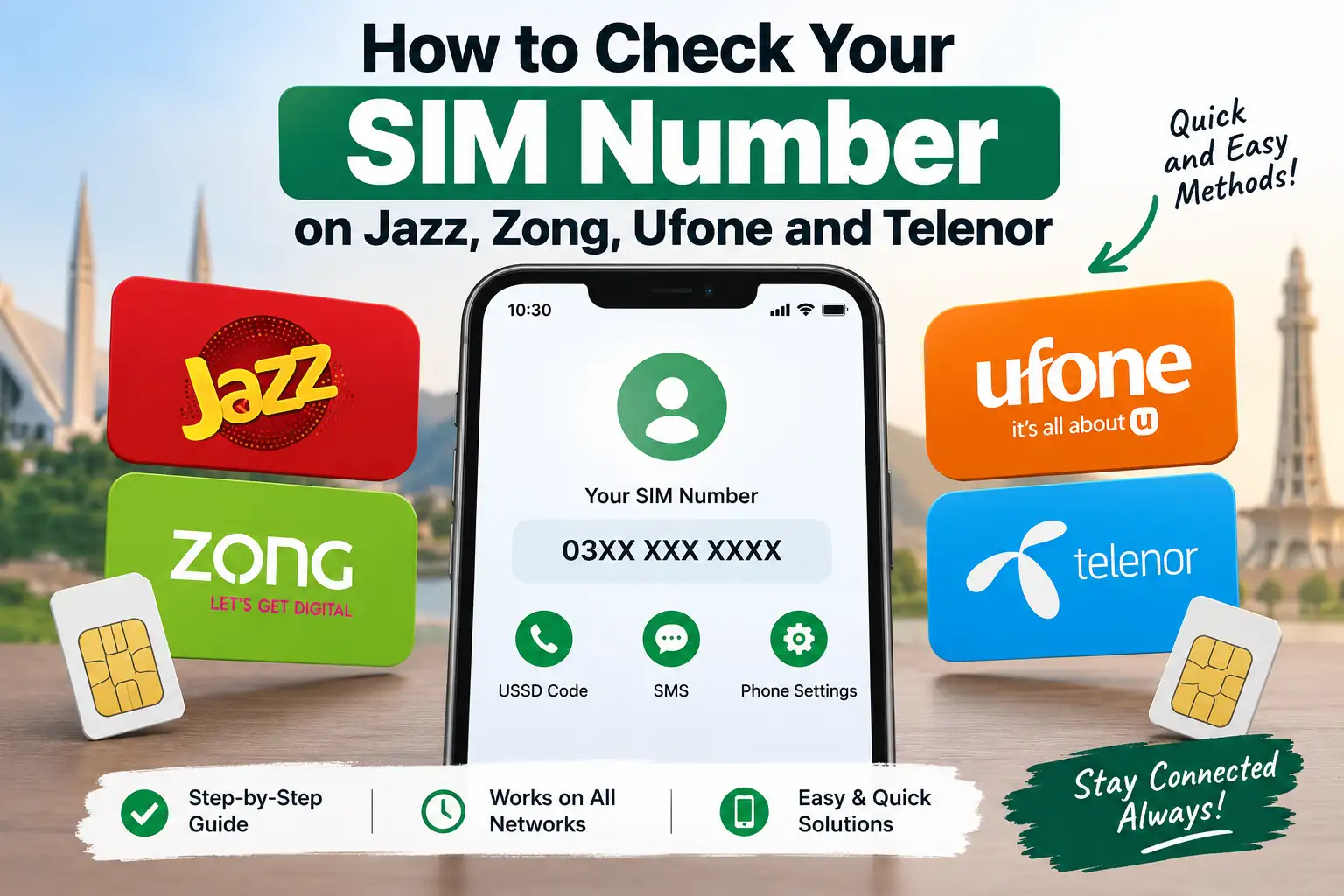
It happens more often than people admit, you get a new SIM, save it under a random name in your contacts to test it, and a few days later you genuinely can't remember your own number when someone asks for it. Thankfully, every major network in Pakistan makes this easy to check, usually through a simple USSD code that works even without any mobile data or balance. Here's how to do it on Jazz, Zong, Ufone, and Telenor.
Check Your Jazz SIM Number
For Jazz, the most consistently reliable code is:
Dial *99# and press call. Your number will appear on screen within a few seconds, usually as a flash message or a short pop up notification.
This works whether you're on a smartphone or a basic phone, and it doesn't require any internet connection or account balance.
Check Your Zong SIM Number
For Zong, dial *2# and press call. Your number will be displayed on screen shortly after.
If this particular code doesn't respond for any reason, checking through the Zong App is a solid backup, your registered number typically shows right on the account or profile screen once you're logged in.
Check Your Ufone SIM Number
For Ufone, dial *780*3# and press call, and your number will appear on screen. Some Ufone SIMs also respond to the shorter code *1# for the same purpose, so if the first one doesn't work, it's worth trying the alternate before assuming something's wrong.
Check Your Telenor SIM Number
For Telenor, the most commonly working method is sending a blank SMS (just leave the message empty) to 7421. Within moments, you'll receive a reply displaying your Telenor number.
If that doesn't go through, checking via the My Telenor App is a reliable alternative, your number is displayed clearly on the account home screen once you're logged in.
Why These Codes Sometimes Don't Work the Same for Everyone
It's worth knowing that USSD codes across Pakistani networks do occasionally change, get updated, or behave slightly differently depending on your specific SIM batch, phone model, or even which region you're in. Telecom mergers and network integrations over the past couple of years have also shifted some of these codes around, so if a code that worked for a friend on the same network doesn't work for you, it's not necessarily user error, it's just one of those things where trying the listed alternate code ( or the app based method ) usually gets you there.
A Universal Backup: Check Through Your Phone's Settings
If none of the network specific codes are cooperating, or you just prefer not to dial anything at all, most smartphones let you view your own SIM number directly through the device settings, without needing to contact your network at all.
On most Android phones, this is generally found under Settings > About Phone > SIM Status or Settings > Network & Internet > SIM Cards, depending on your phone's brand and Android version. On iPhones, it's under Settings > General > About, where your number is listed alongside your other SIM details.
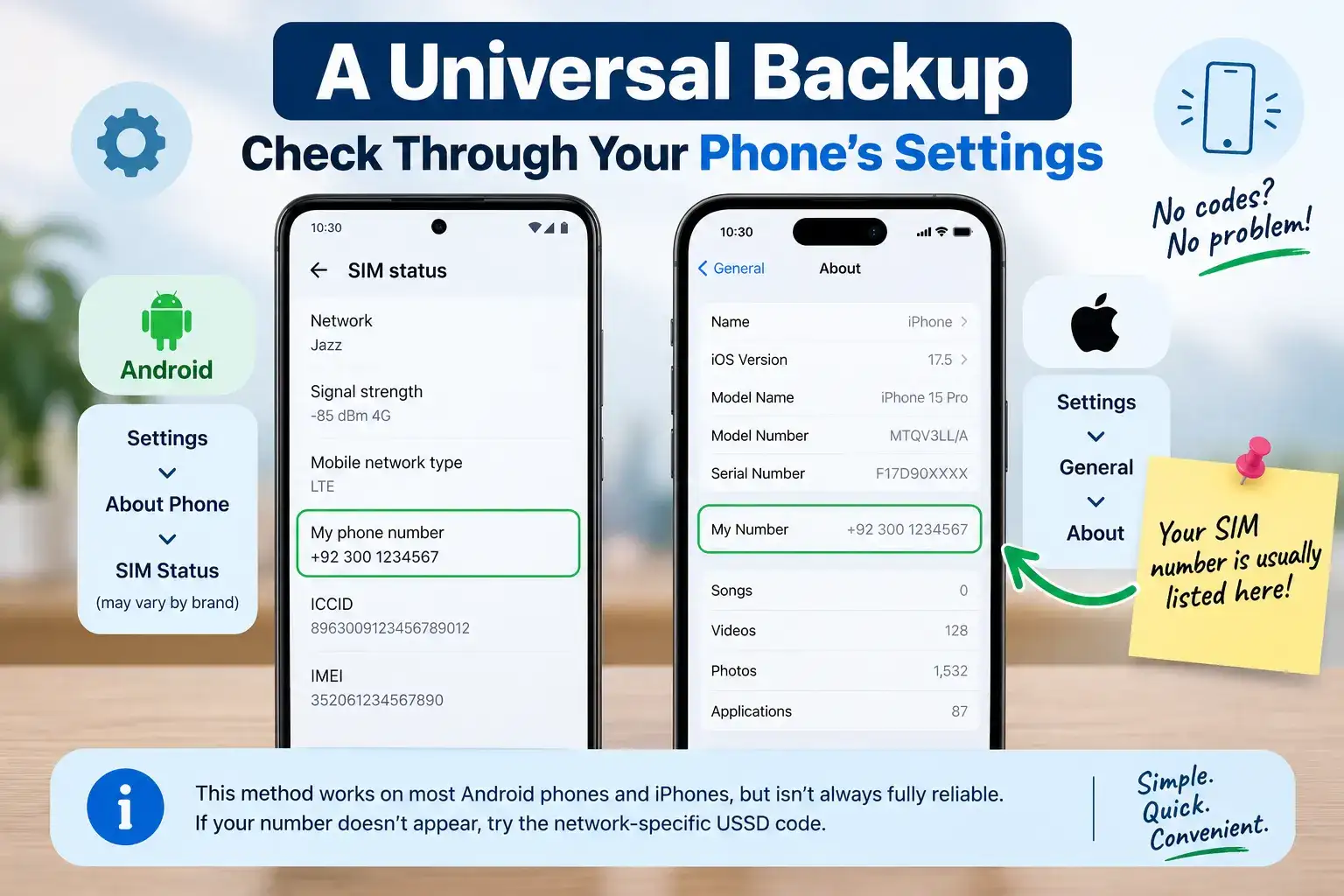
That said, this method isn't always fully reliable, since some SIMs, especially newer ones that haven't made or received any calls yet, may show this field as blank even though the number is technically active. If your phone doesn't display it, falling back to the network specific USSD code is generally more dependable.
Checking a Number You Received on a Used Phone or Secondhand SIM
If you've picked up a used phone or SIM and want to confirm which number is actually on it before relying on it for anything important, sending "MNP" as an SMS to 667 works across all major Pakistani networks and returns the masked owner name, CNIC, and activation date tied to that specific SIM, which is genuinely useful for confirming a SIM's legitimacy before you start using it for anything sensitive like banking OTPs.
Frequently Asked Questions
What is the code to check my Jazz number?
Dial *99# from your Jazz SIM, and your number will appear on screen within a few seconds.
How do I check my Zong number without an app?
Dial *2# from your Zong SIM to see your number displayed instantly.
What is the USSD code for checking a Ufone number?
Dial 7803#, or try *1# as an alternate if the first code doesn't respond.
How do I check my Telenor number?
Send a blank SMS to 7421, and you'll receive a reply showing your Telenor number.
What if none of these codes work on my SIM?
Try checking through your phone's settings under SIM status or SIM card information, or use your network's official app, where your number is usually displayed on the account home screen.
Why This Comes Up More Often Than You'd Think
Knowing your own number sounds like a small thing until you're actually stuck without it. It comes up when you're setting up a new banking app and need to enter your registered mobile number, sharing your number with a delivery rider who's calling to confirm an address, or filling out an online form that asks you to verify your number through OTP. It's especially common with dual SIM phones, where people juggle a personal and work number and genuinely blank on which SIM slot corresponds to which number in the middle of a call.
It's also worth checking your number right after getting a new SIM, before you start giving it out to contacts, banks, or apps, just to make sure you've got the correct digits saved everywhere from the start. A single wrong digit shared early on has a way of causing small headaches down the line, whether that's a missed OTP, a failed delivery confirmation call, or a contact saved incorrectly in someone else's phone.
Checking your own SIM number really only takes a few seconds once you know the right code for your network. And if a code ever stops working the way you remember, your phone's own settings menu or your network's app will almost always have you covered as a reliable backup.