07 September 2026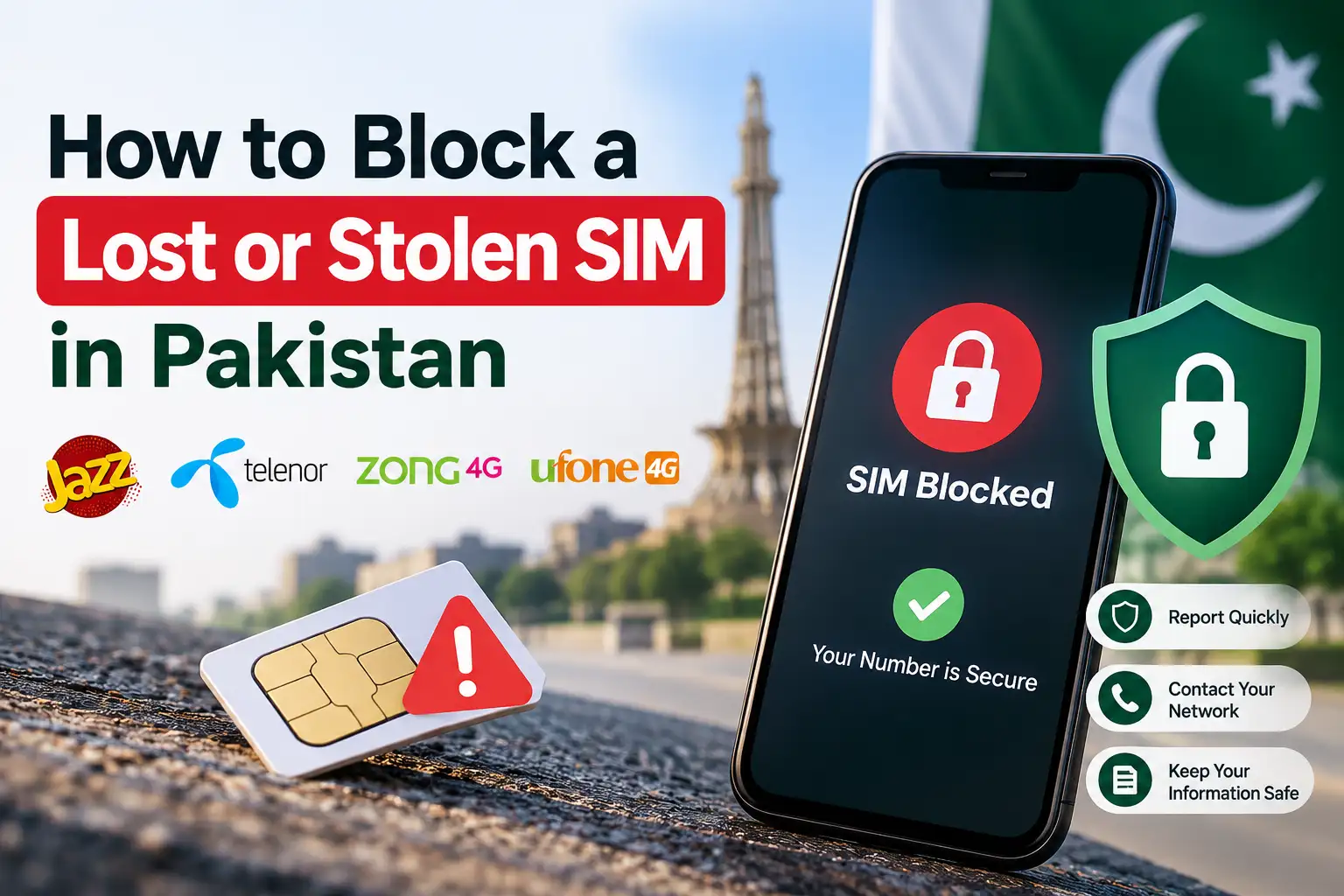
That sinking feeling when you pat your pocket and realize your phone isn't there is bad enough on its own, but the real urgency is what happens next. A lost or stolen SIM isn't just a replaceable piece of plastic, it's tied to your CNIC, your banking apps, your OTPs, and often your WhatsApp and email recovery too. The faster you block it, the less time anyone has to misuse it. Here's exactly what to do, and in what order.
Act Fast, and In This Order
If your phone with your SIM in it goes missing, the first hour genuinely matters more than the rest. Someone with your SIM can potentially intercept OTPs for your bank, JazzCash, Easypaisa, or email accounts before you've even had time to process what happened. Here's the priority order worth following:
- Block your SIM immediately (covered below)
- Change passwords on any accounts you can access from another device, especially email, since email is often the recovery method for everything else
- Contact your bank and mobile wallet providers to flag your accounts for review
- Report the phone as lost or stolen through the IMEI blocking system, so the device itself becomes unusable on any Pakistani network
Block Your SIM by Calling Your Network's Helpline
Every major operator in Pakistan lets you block a lost or stolen SIM over the phone, and this is generally the fastest method available. Call from any other phone, a family member's, a friend's, or a public phone, since your own is presumably gone.
- Jazz: Call 111
- Zong: Call 310
- Ufone: Call 333
- Telenor: Call 345
Once connected, tell the representative your SIM is lost or stolen and that you'd like it blocked immediately. They'll verify your identity, typically asking for your CNIC number and sometimes additional details like your mother's name or your most recent recharge amount, to confirm you're genuinely the registered owner before proceeding. Once verified, blocking usually happens instantly, and you'll get an SMS or voice confirmation once it's done. It's worth noting down any complaint or reference number they give you during the call, just in case you need to follow up later.
Telenor's Additional USSD Option
Telenor also offers a USSD based method as an alternative to calling. From any other Telenor SIM, dial *710# and select the block option, following the prompts to confirm your identity and complete the request. This same code can later be used to unblock a temporarily blocked SIM if you recover it and the block wasn't permanent.
Block Your SIM in Person at a Franchise
If calling isn't an option, or you'd simply rather handle it face to face, visiting your network's nearest franchise or customer service center works just as well. Bring your original CNIC, since identity verification is required either way, and staff can block the SIM on the spot. This route is also useful if you want to immediately request a replacement SIM with your same number, since that typically requires a biometric verification step that can only be done in person.

Getting a Replacement SIM With Your Same Number
Once your lost SIM is blocked, you don't lose your number permanently. Visiting your operator's franchise with your original CNIC lets you request a replacement SIM, which after biometric verification, will be issued carrying your existing number, so your contacts, banking registrations, and everything else tied to that number stay intact. Most replacement SIMs become active within a few hours, though it can occasionally take up to 24 hours depending on network processing.
Blocking the Phone Itself Using IMEI
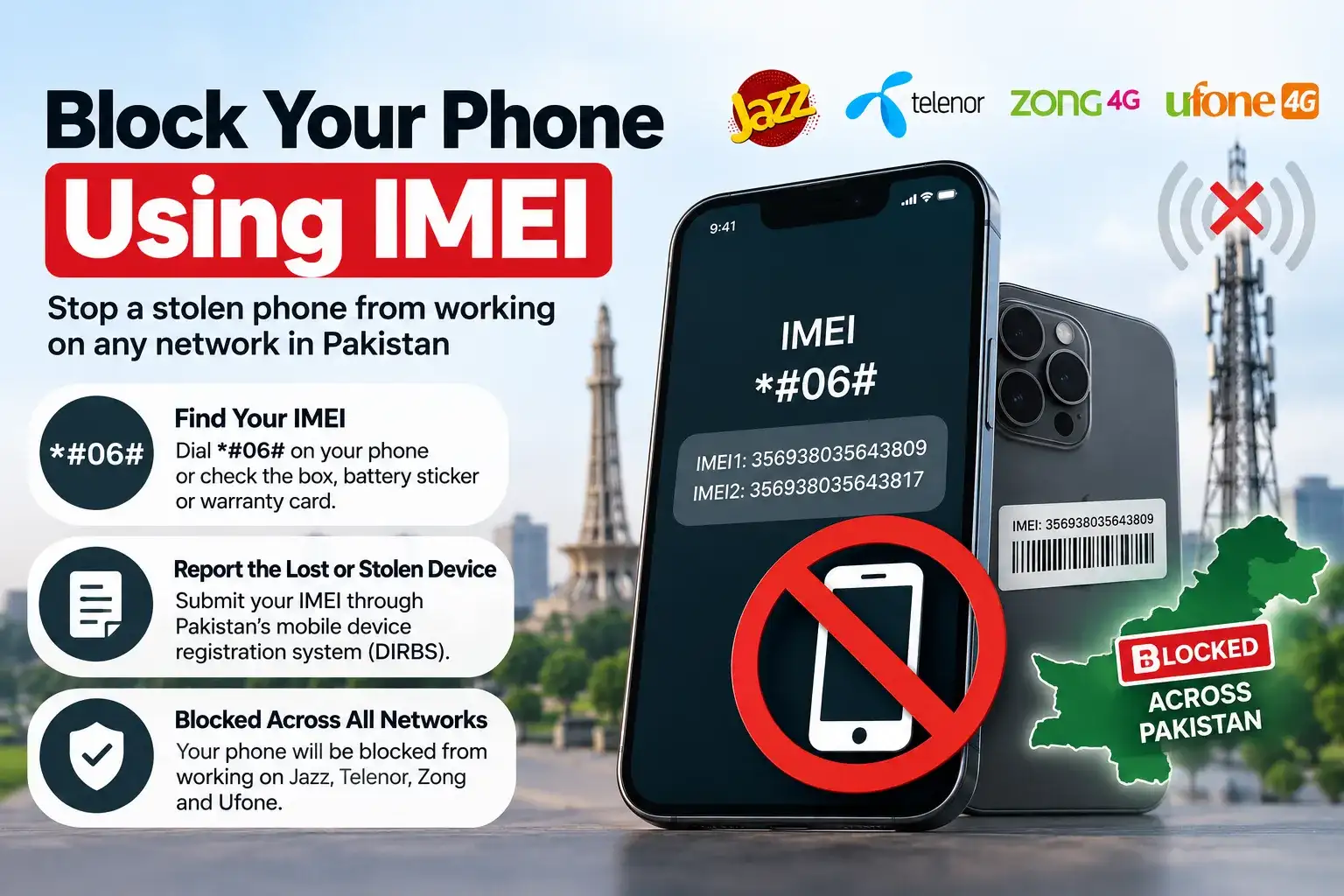
Blocking your SIM stops someone from using your number, but it doesn't stop them from using the physical device itself with a different SIM. To prevent that, you'll want to report the phone's IMEI (a unique identifier for every mobile device) as lost or stolen, which blocks it from working on any network in Pakistan, not just the one you were using.
To find your IMEI, dial *#06# on the phone if you still have access to it through another means, or check the original box it came in, the sticker under the battery on older phones, or the warranty card, since the IMEI is printed there too. Once you have it, you can report the lost or stolen device through Pakistan's mobile device registration system, after which all operators coordinate to block that specific IMEI across their networks.
Securing Your Financial Accounts Right Away
Since a stolen SIM can potentially be used to intercept OTPs for your mobile wallets, calling your wallet provider's helpline to request a security review is worth doing alongside blocking the SIM itself. For JazzCash, call the Jazz helpline at 111 and specifically mention you need a JazzCash account security review. For Easypaisa, call 3737 from a Telenor number, or 021-111-003-737 from any other line. For U Paisa, call the Ufone helpline at 333 and request the same. These calls flag your accounts so unusual activity gets extra scrutiny while you sort out the SIM situation.
What to Do After Everything's Blocked
Once your SIM is blocked and you're working on a replacement, it's worth checking how many SIMs are currently registered against your CNIC by sending your CNIC number to 668, just to confirm nothing unexpected shows up while your identity documents were potentially exposed. It's also a good habit to let close contacts, family, work, anyone who might urgently need to reach you, know that your number is temporarily out of service, so they're not left confused if calls or messages aren't going through for a few hours.
Frequently Asked Questions
How do I block a lost SIM in Pakistan?
Call your network's helpline (Jazz: 111, Zong: 310, Ufone: 333, Telenor: 345) from another phone, verify your identity with your CNIC, and request an immediate block.
Can I get my same number back after blocking a lost SIM?
Yes, visit your operator's franchise with your original CNIC and complete biometric verification to receive a replacement SIM with your existing number.
How long does it take to block a SIM?
Blocking is usually instant once your identity is verified over the phone or in person. You'll receive an SMS or voice confirmation once it's done.
Should I block my phone's IMEI too, not just the SIM?
Yes, blocking the SIM stops misuse of your number, but blocking the IMEI prevents the physical device from being used on any Pakistani network at all.
What should I do about my mobile wallet accounts after losing my SIM?
Call your wallet provider's helpline ( JazzCash: 111, Easypaisa: 3737, U Paisa: 333 ) and request an account security review as soon as possible.
Temporary Block vs Permanent Block: Which One to Choose
When you call to report your SIM, you'll usually be asked whether you want a temporary suspension or a permanent block, and it's worth understanding the difference before answering. A temporary block simply pauses the SIM's activity without cancelling the registration, which makes sense if there's a reasonable chance you'll recover the phone soon, like if you suspect it's just misplaced somewhere at home or you left it at a friend's place. A permanent block, on the other hand, fully deactivates that SIM and clears the way for you to get a fresh replacement card issued with the same number, which is the right call if the phone was genuinely stolen or you're confident it's gone for good.
If you're unsure which to choose in the moment, going with a temporary block is generally the safer default, since you can always escalate to a permanent block and request a replacement later if the phone doesn't turn up, whereas going straight to permanent means you'll need a new physical SIM card even if your old phone reappears the next day.
If You Recover Your Phone After Blocking
It happens more often than you'd expect, you block your SIM in a panic, and then find the phone wedged in a couch cushion an hour later. If you'd chosen a temporary block, most networks let you reverse it fairly easily, either by calling the same helpline number and requesting an unblock after identity verification, or for Telenor specifically, by dialing *710# again and selecting the unblock option. This typically restores your SIM to working order without needing a replacement card at all.
If you'd already gone the permanent block route and requested a replacement SIM, unfortunately there's no going back to the old physical card, your account has already moved to the new SIM by that point. In this case, the recovered phone's SIM slot will simply show as invalid or unregistered if you try to use the old card, and you'll need to continue using the replacement SIM you were issued instead.
A Few Habits That Reduce Your Risk Going Forward
Once you've gotten through the immediate crisis, it's worth building in a couple of habits that make the next incident, if there ever is one, far less stressful. Enabling your phone's built in lock screen with a PIN or biometric lock is the single biggest thing that buys you time, since a locked phone is far harder for anyone to immediately exploit even before you've had a chance to call your network. Keeping a backup contact number for your bank and mobile wallet providers saved somewhere other than your phone, written down, or in an email you can access from another device, also saves precious minutes when you actually need to make that urgent call.
It's also worth periodically checking how many SIMs are registered under your CNIC through the 668 SMS service, even when nothing's happened, simply as a habit, since catching an unauthorized SIM early is a lot easier than untangling a problem that's been sitting there for months.
Losing a SIM is stressful, but acting quickly genuinely limits the damage. A single call to your network's helpline gets your number blocked within minutes, and following through with your bank, wallet accounts, and a same number replacement afterward gets you back to normal without losing much more than a bit of time.