06 September 2026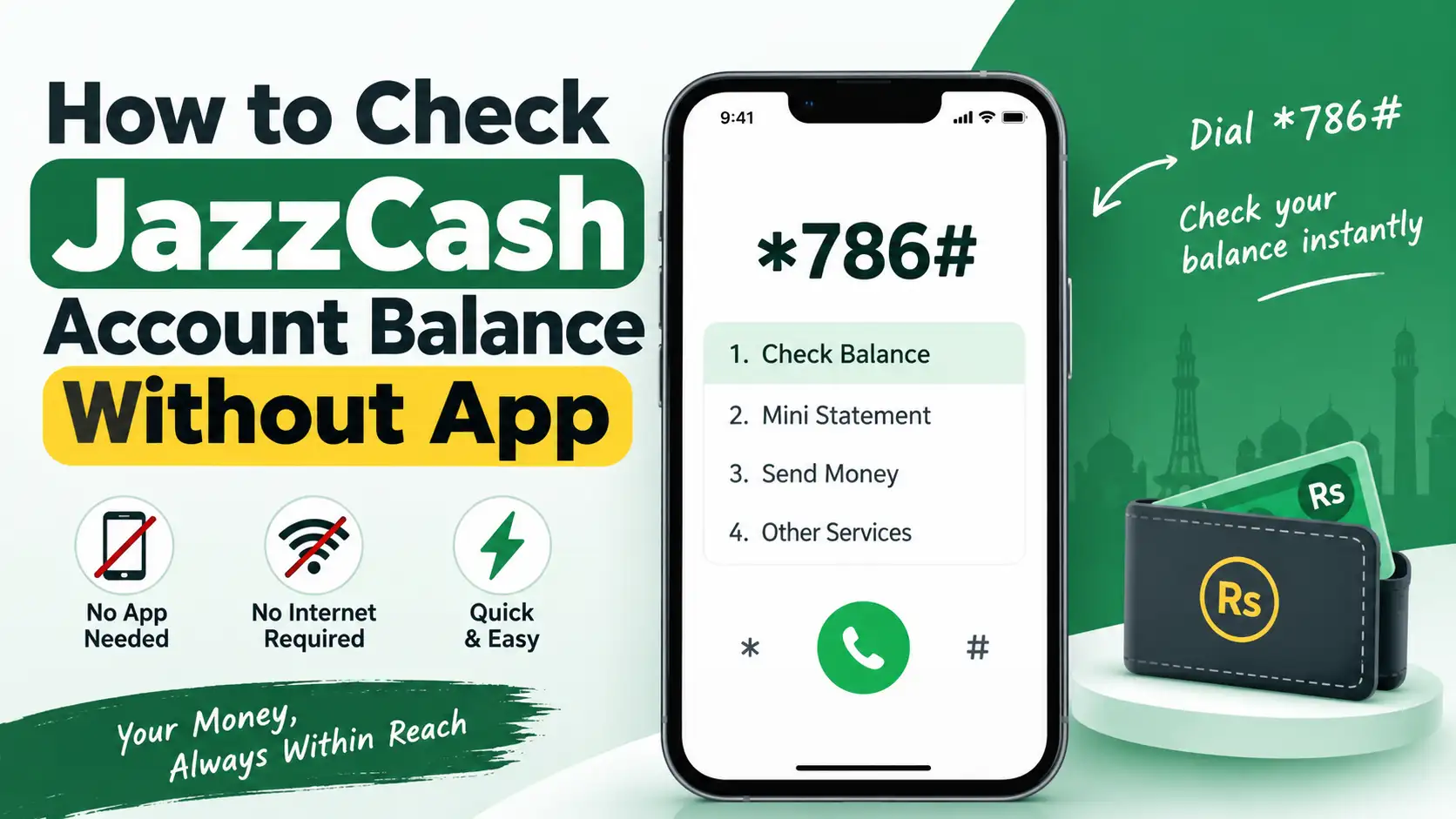
Not everyone wants to keep the JazzCash app installed, and sometimes you just don't have data available when you actually need to check your balance. The good news is that JazzCash was built with this in mind, and you can check your account balance in a few different ways without ever opening the app. Here's a complete breakdown of every method that works.
Check Your Balance Using the *786# USSD Code
This is the most widely used method precisely because it works without any internet connection at all, using just your phone's basic signal.
Here's how to do it:
- Open your phone's dialer and type *786#, then press the call button
- A menu will appear with a list of numbered options
- Enter 6 to select My Account
- From the next menu, enter 2 to select Check Balance
- You'll be prompted to enter your JazzCash MPIN ( this is your 4 digit JazzCash PIN, separate from your regular Jazz SIM PIN )
- Enter your MPIN, and your current JazzCash balance will appear on screen
This method usually involves a small service fee for the USSD session, so don't be surprised if a minor charge shows up after checking. It works on any phone, smart or basic, as long as you have signal.
Check Your Balance Through SMS
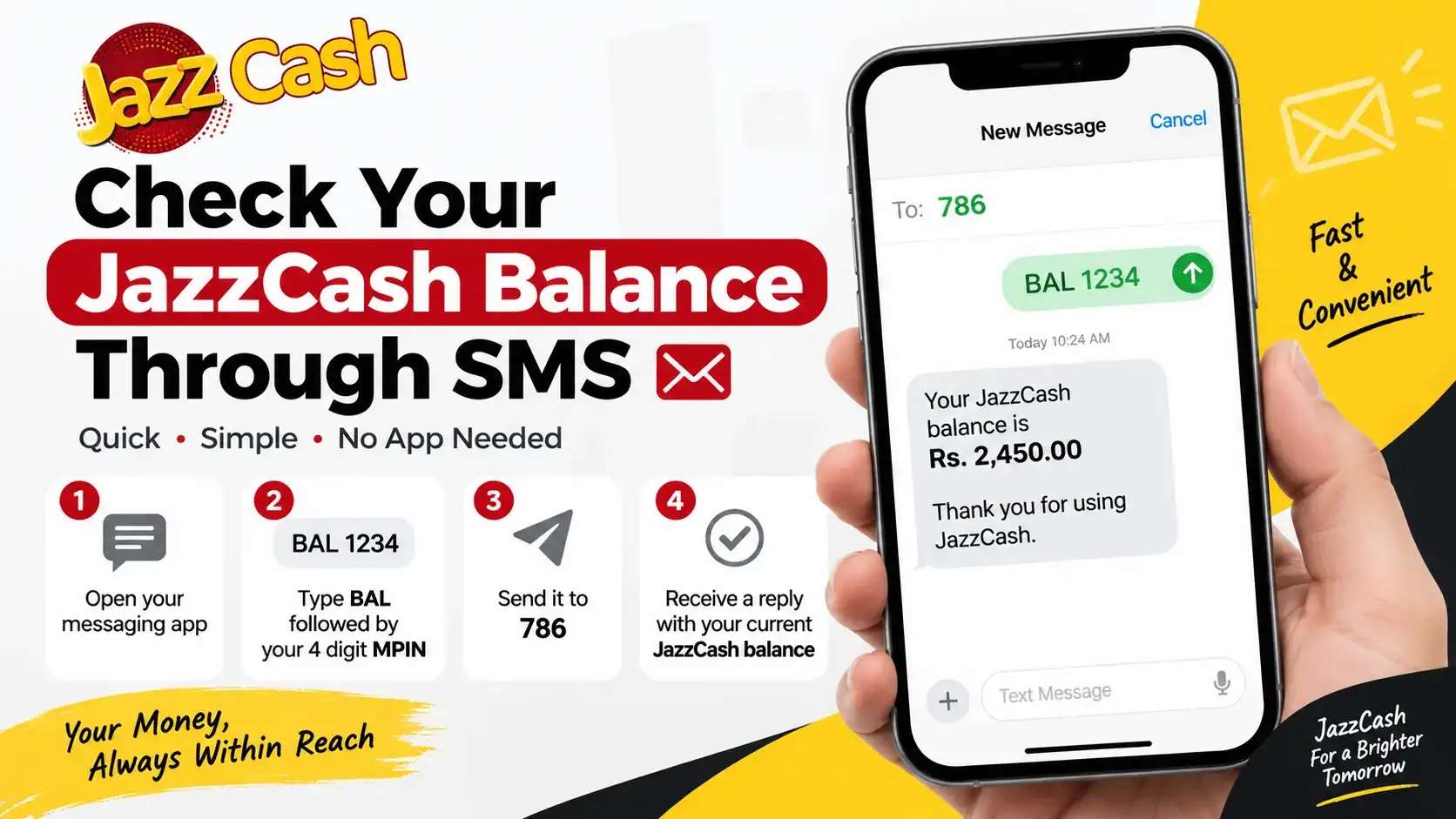
If you'd rather send a text than navigate a USSD menu, JazzCash also supports checking your balance via SMS.
- Open your messaging app
- Type BAL followed by a space and your 4 digit MPIN (for example, "BAL 1234")
- Send it to 786
- Within a few seconds, you'll receive a reply showing your current JazzCash balance
This is a genuinely convenient backup option, especially if you're somewhere with weak signal where a USSD session might time out or fail to connect properly.
Check Your Balance By Calling the Helpline
If you'd rather speak to someone directly, or the other two methods aren't working for whatever reason, you can call the JazzCash helpline at 4444 from your Jazz number, or 051-111-124-444 from any other network. A representative will verify your identity and help you check your balance over the phone. This method takes a bit longer than USSD or SMS, but it's a reliable fallback if you're dealing with a technical issue on your end.
Why You Need Your MPIN For This
It's worth understanding why JazzCash asks for your MPIN every time, rather than just showing your balance the moment you dial a code. Your MPIN is what confirms it's actually you requesting this information, not just anyone who happens to have your phone in hand for a moment. This matters because your JazzCash balance represents real money, unlike your regular mobile balance, and JazzCash treats it with the same level of security as a bank account. If you've forgotten your MPIN, you'll need to reset it through the JazzCash app or by calling the helpline, since there's no way to bypass this step for balance checks.
A Word of Caution
JazzCash, along with virtually every telecom and financial service in Pakistan, regularly reminds customers to never share their MPIN with anyone, including someone claiming to call from Jazz or JazzCash itself. Genuine JazzCash representatives will never ask you to reveal your MPIN over a call or message, since the system is designed so that you enter it yourself directly into your phone, not read it out to someone else. If you ever get a call or SMS asking you to share your MPIN or an OTP to "verify" your account, it's almost certainly a scam attempt, and the safest move is to hang up and report it by calling the official JazzCash helpline yourself.
Which Method Should You Actually Use?
If you're somewhere with decent signal but no mobile data, the *786# USSD code is generally the fastest option since it gives you an instant on-screen result. If you're in an area with particularly weak signal where USSD sessions tend to drop, SMS is often more reliable since a text message can go through even when a live USSD session struggles to connect. Calling the helpline makes the most sense when you're dealing with something beyond a simple balance check, like a discrepancy in your account or a forgotten MPIN that needs resetting.
Frequently Asked Questions
What is the USSD code to check JazzCash balance?
Dial *786#, select option 6 for My Account, then option 2 for Check Balance, and enter your MPIN when prompted.
Can I check my JazzCash balance via SMS?
Yes, send "BAL" followed by your 4 digit MPIN to 786, and you'll receive your balance by reply text.
Does checking JazzCash balance without the app cost anything?
The USSD method typically involves a small service fee. Checking via SMS may also involve standard SMS charges depending on your plan.
What do I do if I forgot my JazzCash MPIN?
You can reset it through the JazzCash app or by calling the helpline at 4444 for assistance.
Is it safe to check my balance using 786# in a public place? Yes, as long as you're careful entering your MPIN privately, since the process itself is secure. Just avoid letting anyone see your MPIN as you type it in.
What to Do If *786# Isn't Working
Sometimes the USSD code either doesn't connect, times out midway, or shows an error instead of the expected menu, and this is rarely a sign that anything is wrong with your actual JazzCash account. More often, it's caused by weak signal strength, a temporary network issue with your operator, or simply dialing the code slightly wrong. Moving to an area with better reception and trying again after a minute or two resolves this in most cases, since USSD sessions are quite sensitive to signal quality compared to a regular phone call.
If the code still won't go through after a few attempts, switching to the SMS method is usually your best backup, since a text message can often get delivered even when a live USSD session keeps dropping. It's also worth double checking that you're dialing exactly *786# without any extra characters or spaces, since even a small typo in a USSD code typically results in a generic "connection problem" message rather than a clear explanation of what went wrong.
Checking your JazzCash balance without the app really only takes a few seconds once you know the right code. Whether you use *786#, a quick SMS to 786, or a call to the helpline, you can stay on top of your balance without needing an internet connection at all.