06 September 2026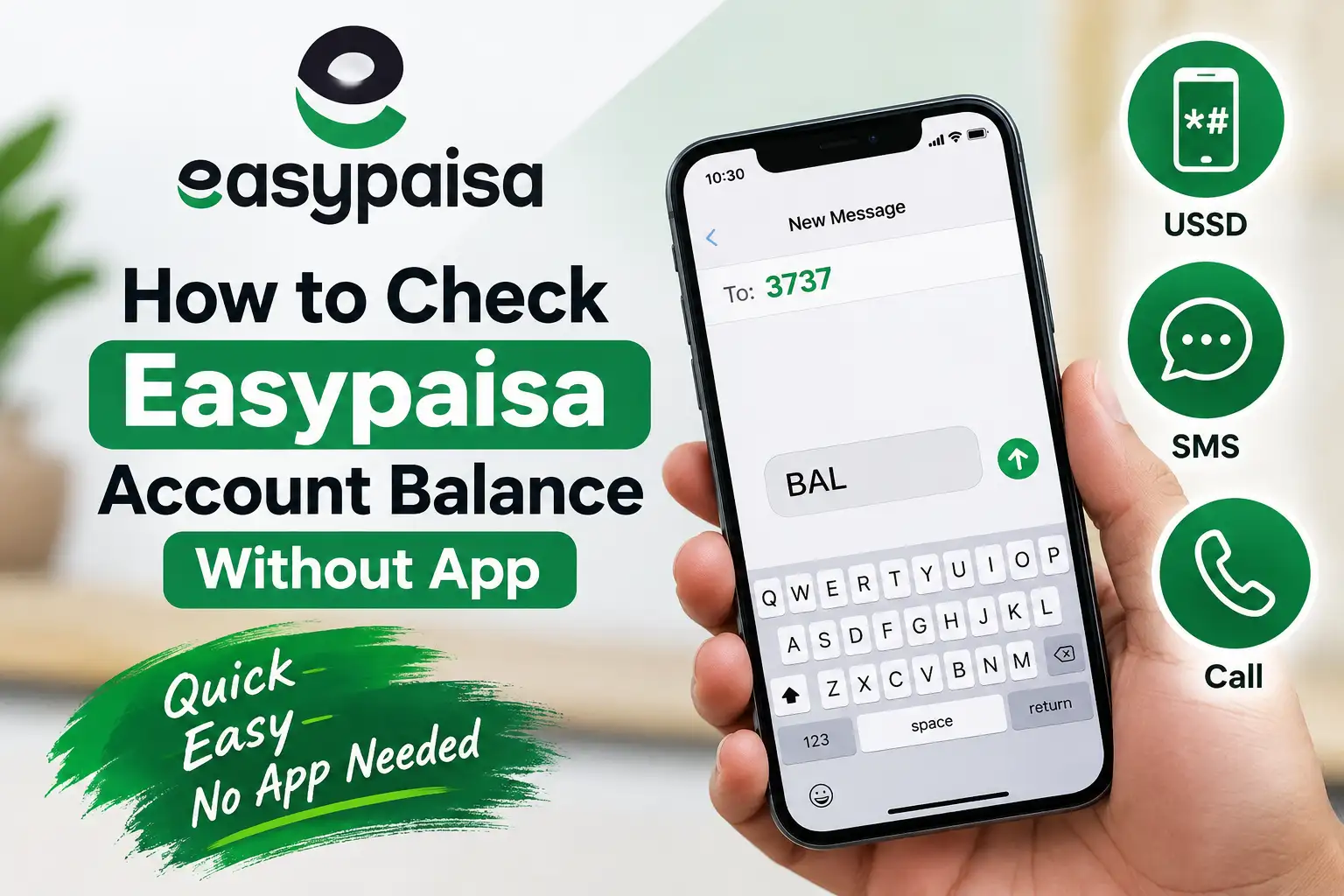
Not everyone wants the Easypaisa app taking up space on their phone, and there are plenty of moments when you simply don't have data to open it anyway. The good news is that Easypaisa was designed to work just fine without the app too, whether you're on a basic phone or just prefer a quicker method. Here's a complete breakdown of every way to check your balance without needing the app at all.
Check Your Balance Using *786# (Telenor Users)
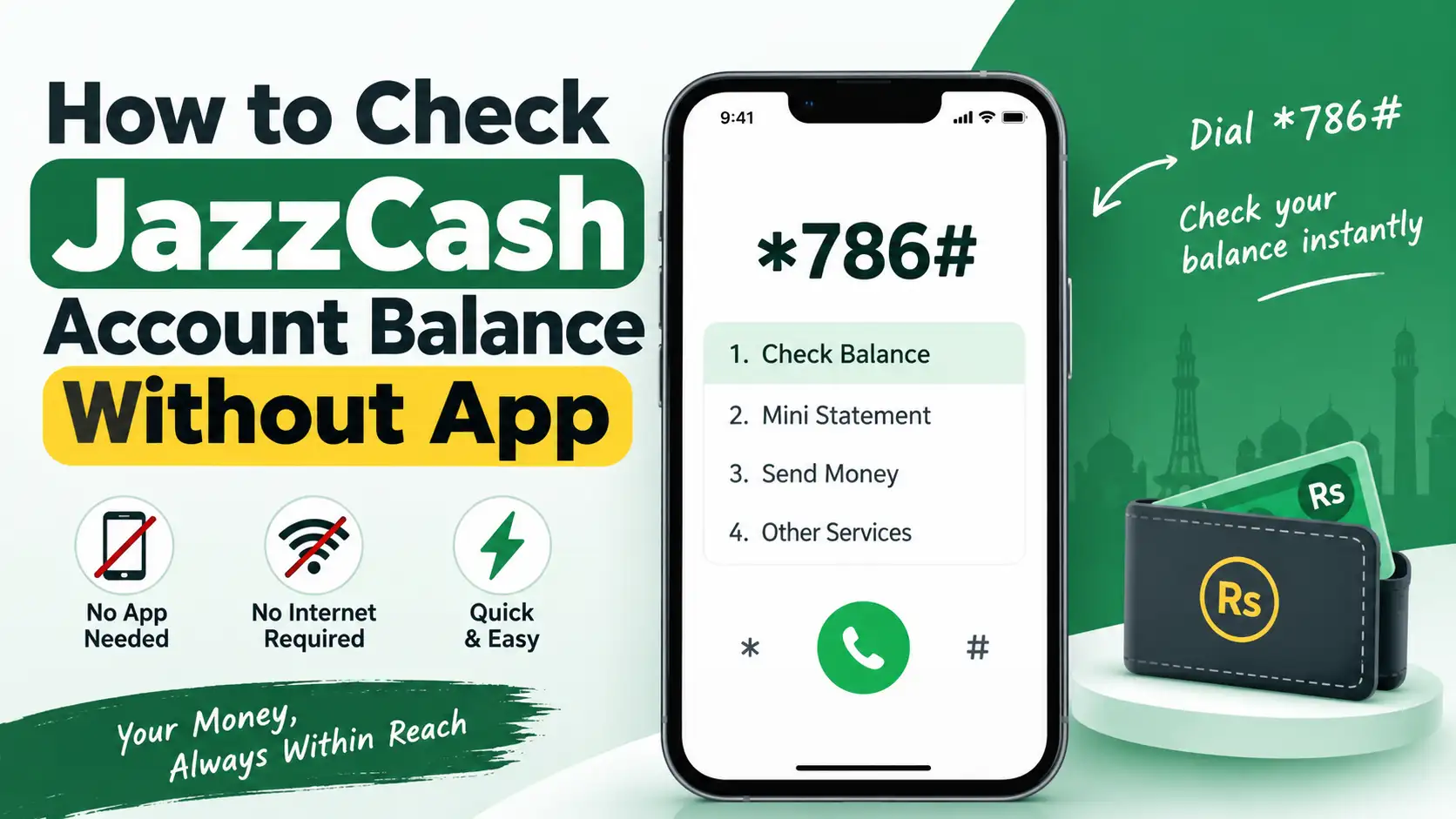
If your Easypaisa account is linked to a Telenor number, this is the most direct method available, since *786# connects straight to Easypaisa's USSD menu for Telenor users.
Here's how to do it:
- Open your phone's dialer and type *786#, then press the call button
- A menu will appear with several numbered options
- Select My Account (usually option 6)
- From the next menu, select Balance Inquiry or Check Balance (usually option 2)
- Enter your Easypaisa PIN when prompted
- Your current balance will appear on screen within a few seconds
This method works without any mobile data, using only your phone's basic signal, so it's just as reliable on an older feature phone as it is on a smartphone.
Check Your Balance Using *2262# (Other Networks)
If your SIM is on Jazz, Zong, Ufone, or any network other than Telenor, you'll use a slightly different code, since *786# is specifically tied to Telenor's network integration with Easypaisa.
- Dial *2262# from your phone
- If this is your first time using this code, you may be prompted to either link your existing Easypaisa account or create a new one, select the option to link your Easypaisa account
- Once linked, dialing *2262# again will bring up the Easypaisa USSD menu
- Navigate to Balance Inquiry, enter your PIN, and your balance will be displayed
Once your account is linked to this code, checking your balance on any future visit becomes just as quick as the *786# method is for Telenor users.
Check Your Balance Through the Easypaisa Helpline
If USSD isn't working for you, or you'd simply rather speak to someone directly, calling the Easypaisa helpline is a reliable fallback. Once connected, you can navigate to account services and select balance inquiry through the automated IVR menu, or wait to speak with a representative who can verify your identity and confirm your balance. This method takes a bit longer than USSD, but it's useful when you're dealing with something beyond a simple balance check, like an issue with your account.
Check Your Balance Through an Easypaisa Agent
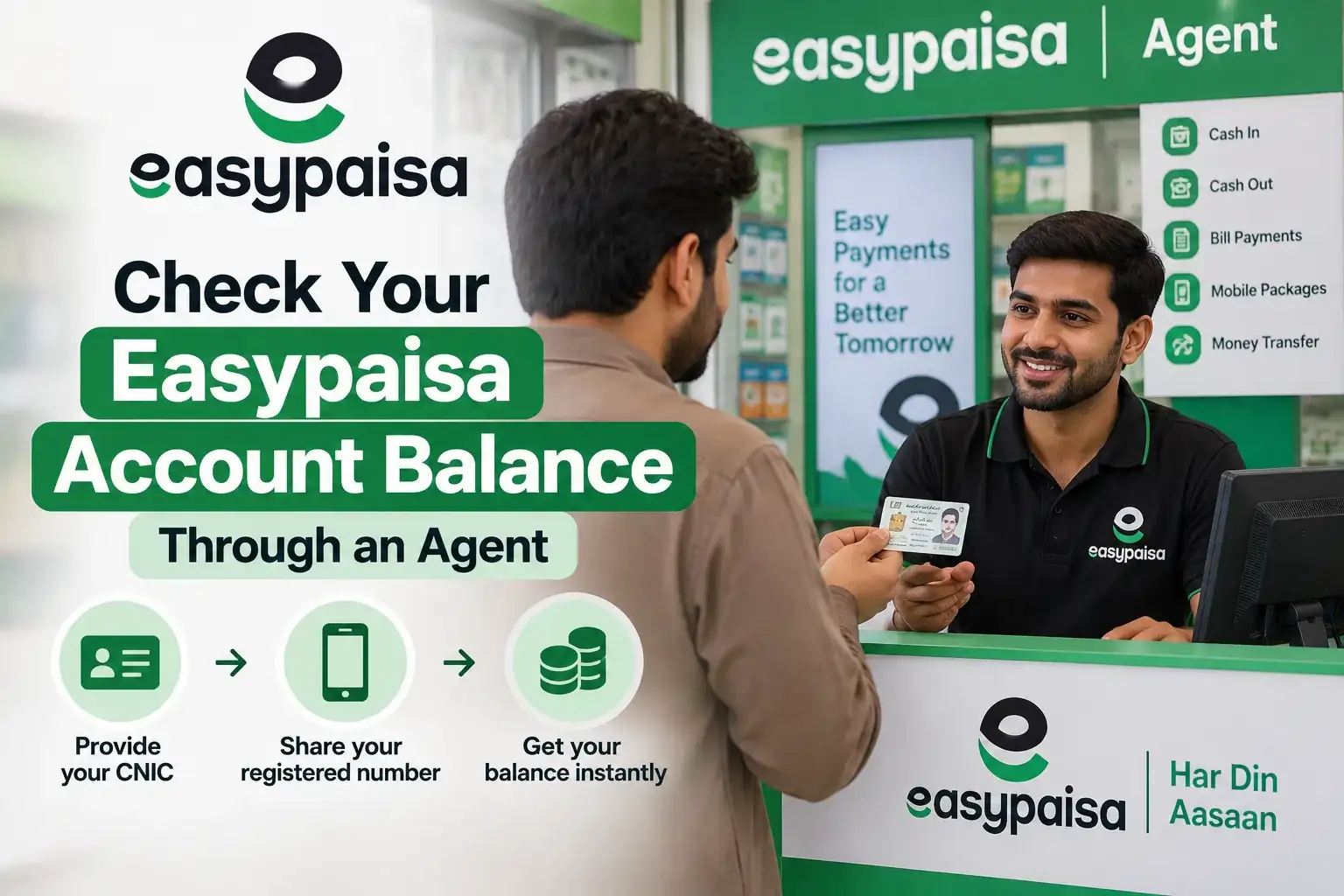
If you don't want to deal with codes at all, visiting any Easypaisa retailer or agent shop, and there are thousands scattered across even small towns, works just as well. Simply provide your CNIC and registered mobile number, and the agent can pull up your account details and confirm your current balance on the spot. This is a genuinely useful option for people who aren't comfortable navigating USSD menus or for situations where your own phone isn't cooperating for some reason.
Why Your PIN Matters Every Time
You'll notice every method here, except visiting an agent, asks for your Easypaisa PIN before revealing your balance, and this isn't just an extra step for the sake of it. Your Easypaisa balance is real money, and the PIN confirms it's genuinely you making the request rather than someone who happens to have picked up your phone. If you've forgotten your PIN, you'll need to reset it through the Easypaisa app, the helpline, or by visiting an agent with your CNIC, since there's no way around entering it correctly for a USSD based balance check.
A Word of Caution
Easypaisa, like every financial service operating in Pakistan, consistently reminds users to never share their PIN with anyone over a call or message, even if the person claims to be calling from Easypaisa or Telenor. Legitimate representatives will never ask you to read out your PIN to them, since the entire system is built around you entering it privately into your own phone. If you receive a call or text asking you to share your PIN or an OTP to "verify" or "unlock" your account, treat it as a scam attempt and report it through the official Easypaisa helpline rather than responding.
Which Method Should You Use?
If you're on Telenor, *786# is your fastest and most direct option. If you're on another network, *2262# does the same job once your account is linked, and after that first setup, it's just as quick going forward. If either code isn't cooperating due to a signal or system issue, the helpline or a nearby agent gives you a reliable way to check without depending on your own phone's connection at all.
Frequently Asked Questions
What is the USSD code to check Easypaisa balance on Telenor?
Dial *786#, select My Account, then Balance Inquiry, and enter your PIN to see your current balance.
How do I check Easypaisa balance if I'm not on Telenor?
Dial *2262#, link your Easypaisa account if it's your first time, then navigate to Balance Inquiry and enter your PIN.
Does checking Easypaisa balance without the app cost anything?
USSD checks are usually free or involve a very minor network charge, depending on your operator.
What if I forgot my Easypaisa PIN?
You can reset it through the Easypaisa app, by calling the helpline, or by visiting an Easypaisa agent with your CNIC.
Can I check my Easypaisa balance without a smartphone?
Yes, USSD codes like *786# and *2262# work on basic feature phones as well, since they don't require internet or a smartphone.
What to Do If the Code Doesn't Work
Occasionally, dialing *786# or *2262# either fails to connect, hangs midway, or returns an error instead of the expected menu. This is rarely a problem with your actual Easypaisa account, and is far more often caused by weak signal, a brief network hiccup on your operator's end, or a mistyped code. Moving to a spot with stronger reception and trying again after a minute usually clears it up, since USSD sessions tend to be more sensitive to signal strength than a regular phone call.
If the issue persists after a few attempts, switching to the other code ( if you're on Telenor and *786# fails, try *2262# instead, or vice versa ) sometimes works as a backup, though results can vary depending on how your specific account is linked. If neither works, calling the helpline or visiting a nearby agent is the most reliable way to get your balance confirmed without relying on your phone's USSD connection at all.
Checking your Easypaisa balance without the app really only takes a few seconds once you know the right code for your network. Whether it's *786# on Telenor, *2262# on other networks, or a quick visit to an agent, you can stay on top of your balance without needing an internet connection at all.