12 September 2026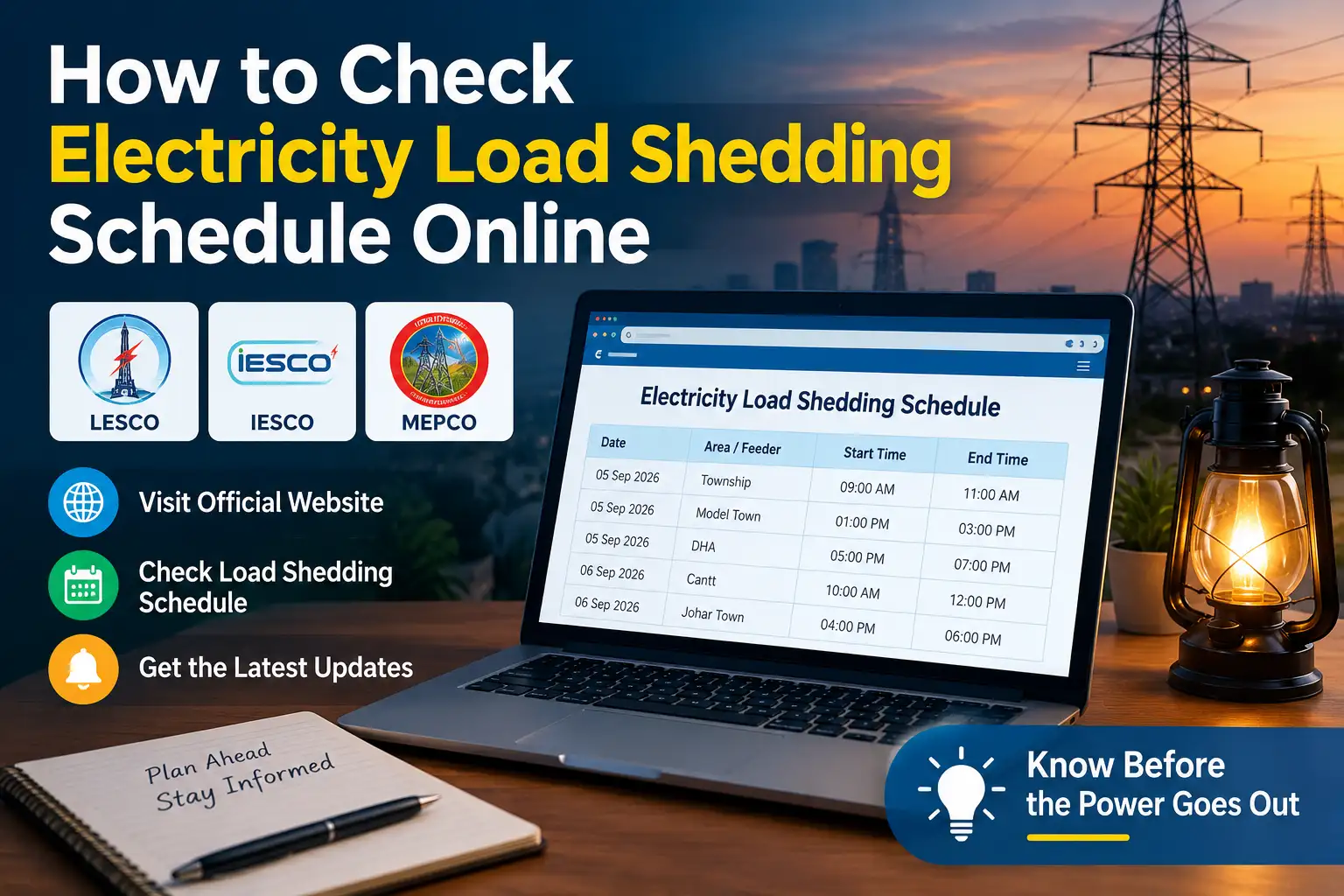
There's a particular kind of frustration that comes from the power going out right when you're in the middle of something, whether that's cooking dinner, finishing work, or just trying to keep the AC running through a hot afternoon. Load shedding isn't going anywhere anytime soon in Pakistan, but not knowing when it's coming makes it worse than it needs to be. The good news is that every DISCO, and K-Electric separately for Karachi, actually publishes this information, and checking it takes just a couple of minutes once you know where to look.
Understanding What Load Shedding Actually Is
Load shedding is a planned, rotating power cut that electricity companies use to balance supply and demand, rather than letting the whole grid overload and crash. Instead of everyone losing power at once, different feeders ( the electrical lines supplying specific areas ) get cut on a rotating schedule, so each neighborhood gets a fair share of both power and outages across the day. It ramps up noticeably in summer when air conditioner usage spikes demand well beyond what the supply can comfortably handle, and it also tends to correlate with how well an area's bill recovery rate looks, areas with lower bill payment and higher electricity theft generally see longer outages than areas with strong payment records.
Know Which Company Covers Your Area
Since Pakistan's electricity distribution is split across several regional companies, the first step is knowing which one actually serves you. Punjab is covered by LESCO (Lahore), FESCO (Faisalabad), MEPCO (Multan), GEPCO (Gujranwala), and IESCO (Islamabad and Rawalpindi). Khyber Pakhtunkhwa is covered by PESCO, Sindh and Balochistan by HESCO, SEPCO, and QESCO, and Karachi is served separately by K-Electric, a private company that isn't part of the WAPDA DISCO network. You'll find your specific company's name printed at the top of your electricity bill if you're ever unsure.

Check Your Schedule on Your DISCO's Official Website
Load shedding schedules in Pakistan are published at the feeder level, not simply by city or town, which is why a schedule for Lahore as a whole doesn't really exist, it's broken down by the specific feeder or sub division that supplies your particular street or neighborhood.
Here's the general process for checking:
- Go to your DISCO's official website (LESCO, FESCO, MEPCO, IESCO, GEPCO, PESCO, HESCO, SEPCO, or QESCO, depending on your area)
- Look for a section labeled Load Shedding Schedule or Consumer Services
- Search using your 14 digit reference number (printed on your bill) or your feeder or sub division name
- The schedule will show planned outage windows for your specific feeder, often as a downloadable PDF or a table listing shutdown hours
Since your DISCO's site organizes this by feeder rather than area name, having your reference number ready makes the process much faster than trying to guess which feeder covers your street.
Check Karachi's Schedule Through K-Electric
Karachi runs on a completely separate system since K-Electric manages both generation and distribution independently of the WAPDA network. K-Electric offers a few different ways to check your area's current status:
- Use the KE Live app, available for both Android and iOS, which shows real-time outage status and scheduled load shedding for your specific area
- Send an SMS with your area name to 8119, and you'll get a reply with your current load shedding schedule
- Call the K-Electric helpline at 118 to speak with a representative or use the automated system
K-Electric categorizes areas by loss and recovery levels, exempt areas (with excellent bill payment records) typically see little to no load shedding, low loss areas usually face a few hours, and high loss areas can see significantly longer outages, sometimes going well beyond half the day, depending on how far behind that area is on bill recovery and theft prevention.
Understanding Why Some Areas Get More Load Shedding Than Others
This part genuinely confuses a lot of people, since it doesn't always feel fair that one neighborhood gets far more consistent power than the one next door. The main factor is each area's electricity bill recovery rate and level of technical or theft related losses. Areas with strong bill payment records and low theft are prioritized with less or even zero load shedding, since they're effectively subsidizing the network's ability to function, while areas with poor recovery or high theft rates absorb longer outages as a direct consequence. This applies across both the DISCO network and K-Electric's system, and it's part of why two areas just a few kilometers apart can have very different daily outage experiences.
Planned vs Unplanned Outages
It's worth understanding the difference here, since they're handled differently. A planned outage, the actual load shedding schedule, is published in advance and follows the rotating pattern based on your feeder. An unplanned outage, caused by a fault, damaged line, or unexpected equipment failure, isn't part of any published schedule and typically needs to be reported separately. If your power goes out outside your feeder's scheduled hours, it's likely unplanned, and reporting it through your DISCO's complaint line or K-Electric's 118 helpline ( for Karachi ) will usually get you an estimated restoration time rather than leaving you guessing.
What to Do If the Power Cuts Outside the Scheduled Hours
If your area's power goes out at a time that doesn't match the published schedule, it's worth first checking your DISCO's or K-Electric's official social media accounts, since emergency outages and fault related interruptions are often posted there faster than the main website updates. If there's no notice anywhere and the outage continues, filing a complaint directly through your DISCO's website or K-Electric's app or helpline is the right next step, since unreported faults tend to take longer to get fixed simply because the company doesn't know about them yet.
A Word About Third Party Schedule Checkers
Plenty of independent websites let you check your load shedding schedule by entering your reference number, and while several of these are genuinely convenient and pull real data from your DISCO's system, others display outdated or generic timings that don't reflect your current feeder's actual schedule. Since load shedding patterns shift fairly often based on seasonal demand and grid conditions, the safest approach for anything you're relying on to plan your day is to cross check against your DISCO's own official website or K-Electric's official app, rather than trusting a number on a random site at face value.
Frequently Asked Questions
How do I check my area's electricity load shedding schedule?
Visit your DISCO's official website and search using your 14 digit reference number or feeder name, or for Karachi, use the KE Live app or send your area name via SMS to 8119.
Why does my neighborhood have more load shedding than a nearby area?
Load shedding duration is largely based on an area's electricity bill recovery rate and level of theft or technical losses. Areas with strong payment records typically face less load shedding.
What's the difference between planned and unplanned power outages?
Planned outages follow the published load shedding schedule for your feeder, while unplanned outages are caused by faults or equipment issues and need to be reported separately.
Is checking the load shedding schedule online free?
Yes, checking through your DISCO's official website, K-Electric's app, or SMS to 8119 is completely free.
What should I do if the power goes out outside my scheduled hours?
Check your DISCO's or K-Electric's official social media for outage notices, and if there's none, file a complaint through their website, app, or helpline for an estimated restoration time.
Planning Backup Power Around Your Schedule
Once you actually know your feeder's timing, a UPS, inverter, or generator becomes a lot more useful, since you can size and use it around a predictable window rather than guessing. If you're relying on a UPS or inverter battery, charging it fully during your "on" hours and being mindful of what you run off it during outage windows (lights and fans rather than heavy appliances like irons or water heaters) stretches your backup considerably further. For households using a generator, knowing your feeder's typical outage duration in advance means you can plan fuel purchases and running times more efficiently instead of running it reactively every time the power happens to cut out.
It's also worth building in surge protection for sensitive electronics, since the moment power is restored after a scheduled outage can bring a brief voltage spike, and computers, routers, and similar equipment are the most common casualties when that isn't accounted for. A basic surge protector strip is a small, one time cost that avoids a much more expensive repair or replacement down the line.
Checking your electricity load shedding schedule really comes down to knowing your feeder or area code and going straight to your DISCO's official website or K-Electric's app. A quick check saves you from being caught off guard, and knowing the schedule ahead of time makes it a lot easier to plan your day around it.