18 August 2026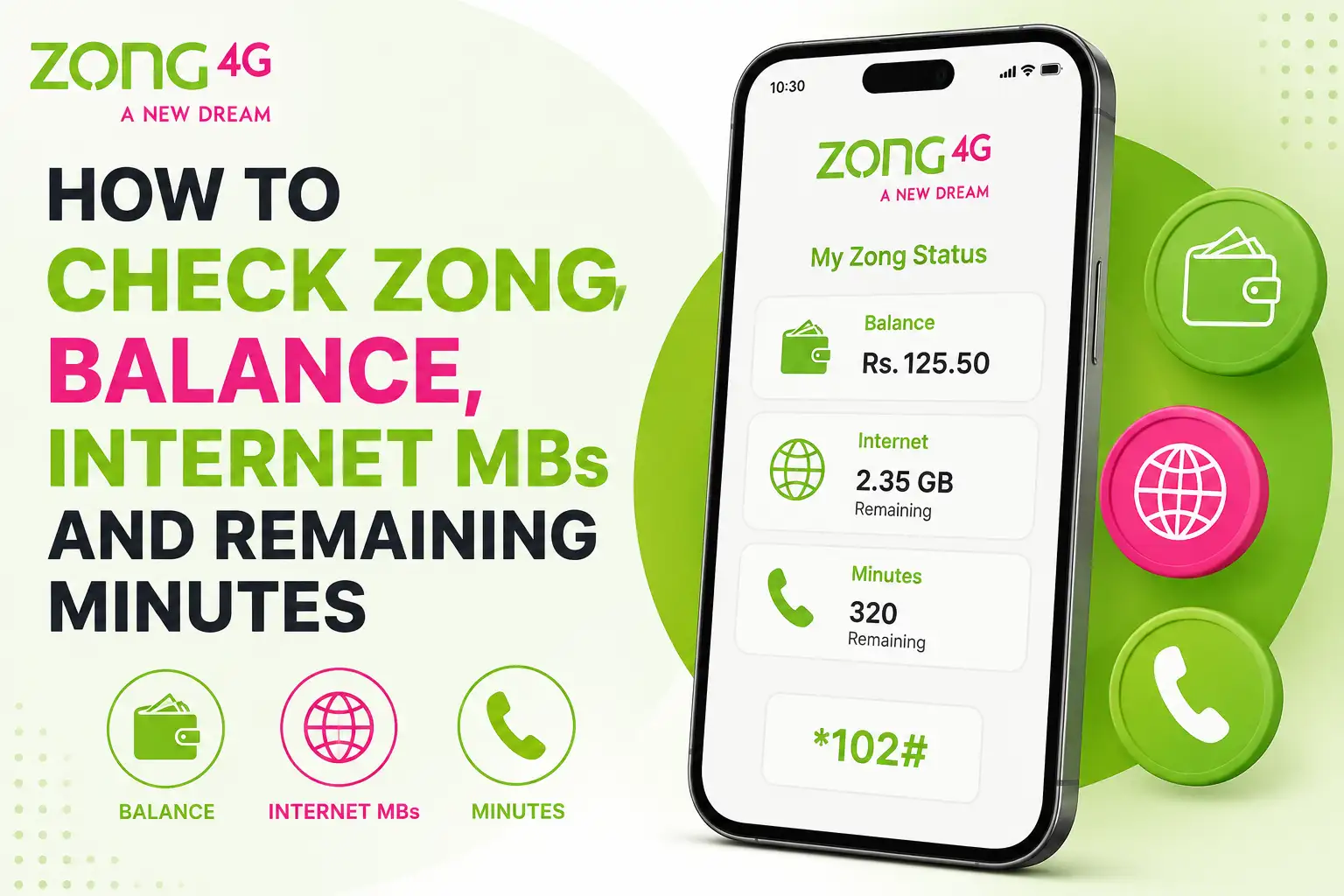
There's nothing worse than being in the middle of an important call and hearing that dreaded low balance beep, or trying to load a webpage only to realize your data ran out without any warning. If you're a Zong user, the good news is that checking your balance, remaining MBs, and minutes only takes a few seconds once you know the right codes. Here's a simple guide covering every method that works.
Check Your Main Zong Balance
This is the one code almost every Zong user already has memorized, but it's worth starting here anyway.
Just dial *222# from your Zong SIM and press call. A message will pop up instantly showing your remaining balance. This code does come with a very small charge, usually just a few paisas plus tax, so don't be surprised if a tiny amount gets deducted each time you check.
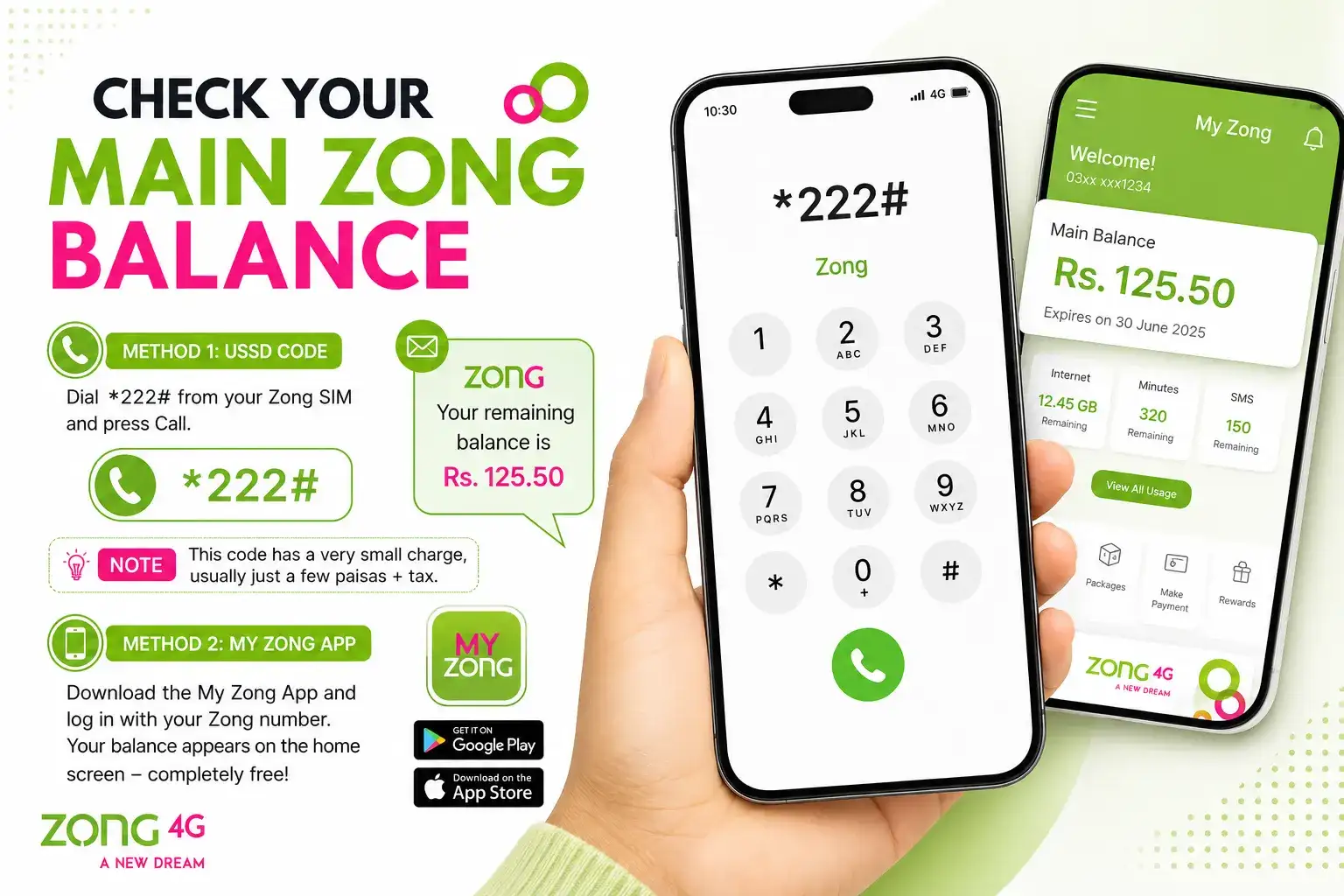
If you'd rather skip that charge altogether, the My Zong App lets you check your balance completely free. Once you log in with your Zong number, your balance shows up right on the home screen without costing you anything.
Check Your Remaining MBs
Zong makes this part pretty easy since there's one dedicated code that works regardless of which internet package you're using.
Dial *102*4# and you'll get an instant message showing exactly how many MBs you have left. If you want a broader summary that includes your MBs along with minutes and SMS in one go, dial 1021# instead, and you'll see everything at once.
You can also just dial *102# on its own, which brings up a short menu. From there you simply select the option for data, minutes, or SMS depending on what you want to check.
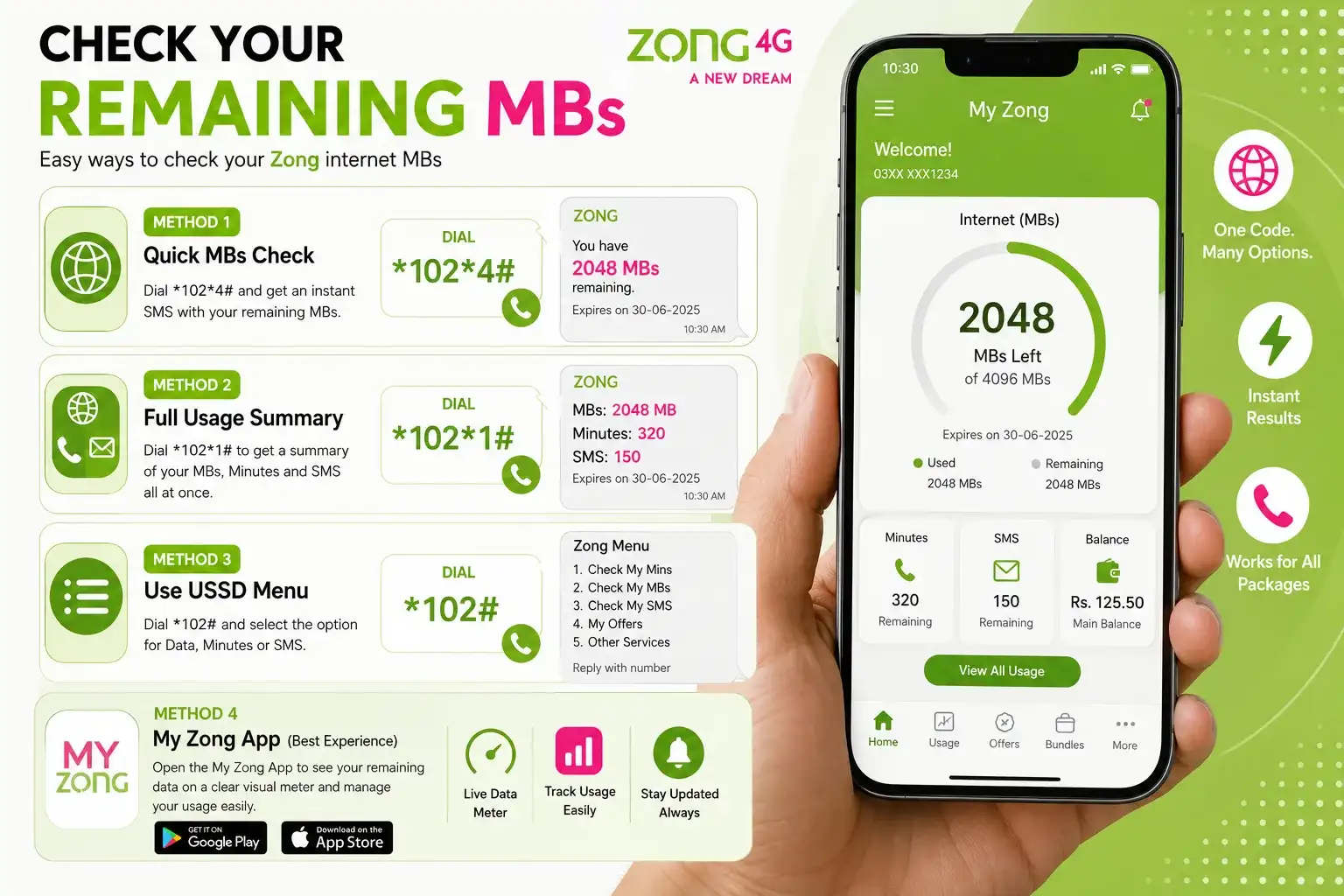
If you're someone who prefers not to deal with codes at all, the My Zong App shows your remaining data usage on a clear, visual meter, which honestly makes it a lot easier to keep an eye on than squinting at a small popup message.
Check Your Remaining Minutes
To see how many minutes you have left, dial *102*3#. Within a few seconds, you'll get a message breaking down your remaining minutes, which usually includes both on net (Zong to Zong) and off net minutes if your package covers both.
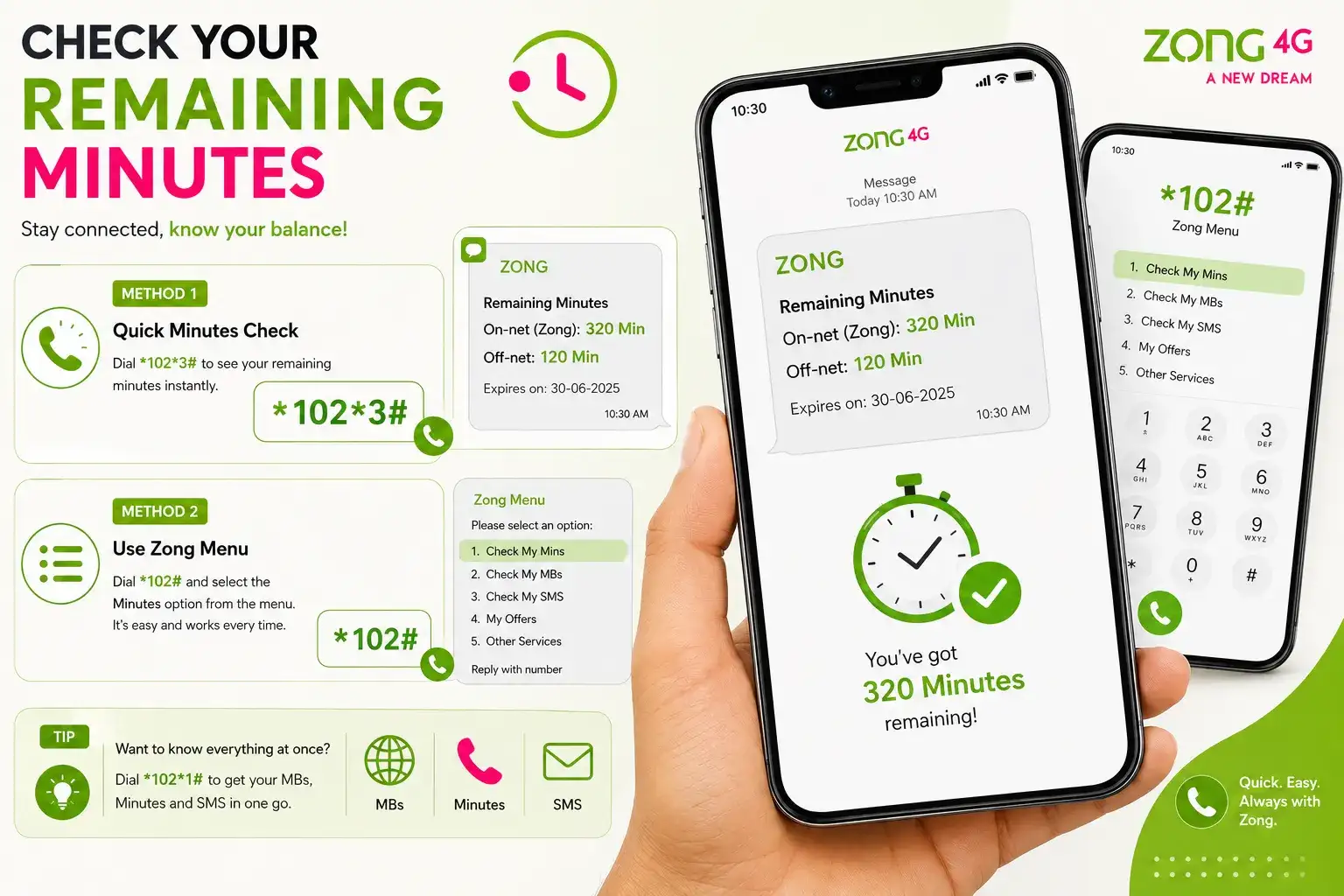
If you're not sure which package you're even subscribed to, dialing *102# and selecting the minutes option from the menu works just as well and saves you from having to remember a separate code.
Check Your Remaining SMS
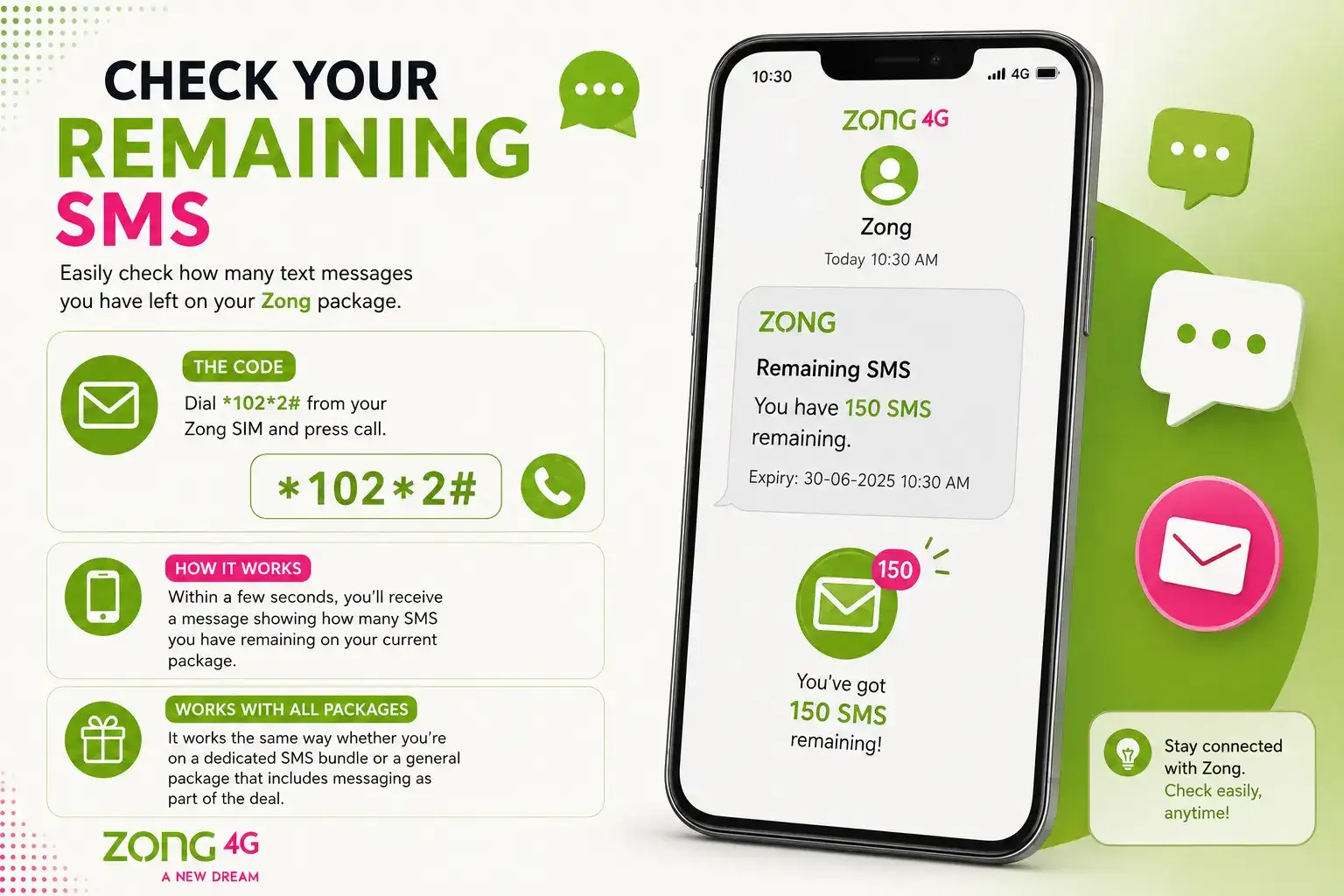
Following the same pattern, dialing *102*2# will show you how many text messages you have left on your current package. It works the same way whether you're on a dedicated SMS bundle or a general package that includes messaging as part of the deal.
The Easiest Option: My Zong App
If you're tired of juggling different codes for balance, MBs, minutes, and SMS, the My Zong App genuinely simplifies things. Instead of dialing four separate codes, you log in once and see everything laid out on a single dashboard, completely free of cost.
Here's how to get started:
- Download the My Zong App from the Google Play Store or Apple App Store
- Sign up or log in using your Zong number
- Once you're in, your balance, remaining data, minutes, and SMS will all be visible right on the home screen
This is especially handy if you're the type who checks your usage often, since it saves you from paying those small balance check charges every time.
What If a Code Doesn't Work?
Sometimes a code might not respond the way you expect, and it's usually not a network issue it's more often because a package has expired, changed, or was never active in the first place. If that happens, dialing *102# and going through the menu manually usually sorts it out, since it shows your currently active status rather than relying on a fixed code.
Frequently Asked Questions
What is the code to check Zong balance?
Dial *222# from your Zong SIM to see your current balance instantly.
How do I check remaining MBs on Zong?
Dial 1024# to see your remaining internet data, or check it for free anytime through the My Zong App.
Is there a single code to check everything at once on Zong?
Yes, dialing 1021# gives you a combined summary of your MBs, minutes, and SMS in one message.
Does checking Zong balance cost money?
Dialing *222# usually involves a very small charge plus tax. Checking through the My Zong App is completely free.
How do I check my remaining Zong minutes?
Dial 1023# to see your remaining minutes, broken down by on-net and off-net where applicable.
Checking Balance on a Zong Postpaid Account
Everything covered above mostly applies to prepaid Zong users, but if you're on a postpaid connection, the process looks a little different since you're really checking your current bill and remaining free resources rather than a traditional prepaid balance. Dialing *222# on a postpaid line typically won't give you a useful result, so don't worry if it doesn't respond the way it does for prepaid users.
Instead, postpaid users can send an SMS with the text "BL" to 567, and you'll receive a detailed message back showing your current bill amount along with any remaining free minutes, SMS, or data included in your plan. The My Zong App also supports postpaid accounts and tends to give a clearer picture overall, since postpaid billing involves a few extra details like your billing cycle and credit limit — that a single SMS code doesn't always fully capture. If a number ever looks off to you, it's worth confirming through the app or by calling the Zong helpline rather than relying on just one method.
Whether you're someone who likes quick USSD codes or prefers having everything in one app, keeping track of your Zong balance, MBs, and minutes only takes a moment once you know where to look.