24 April 2026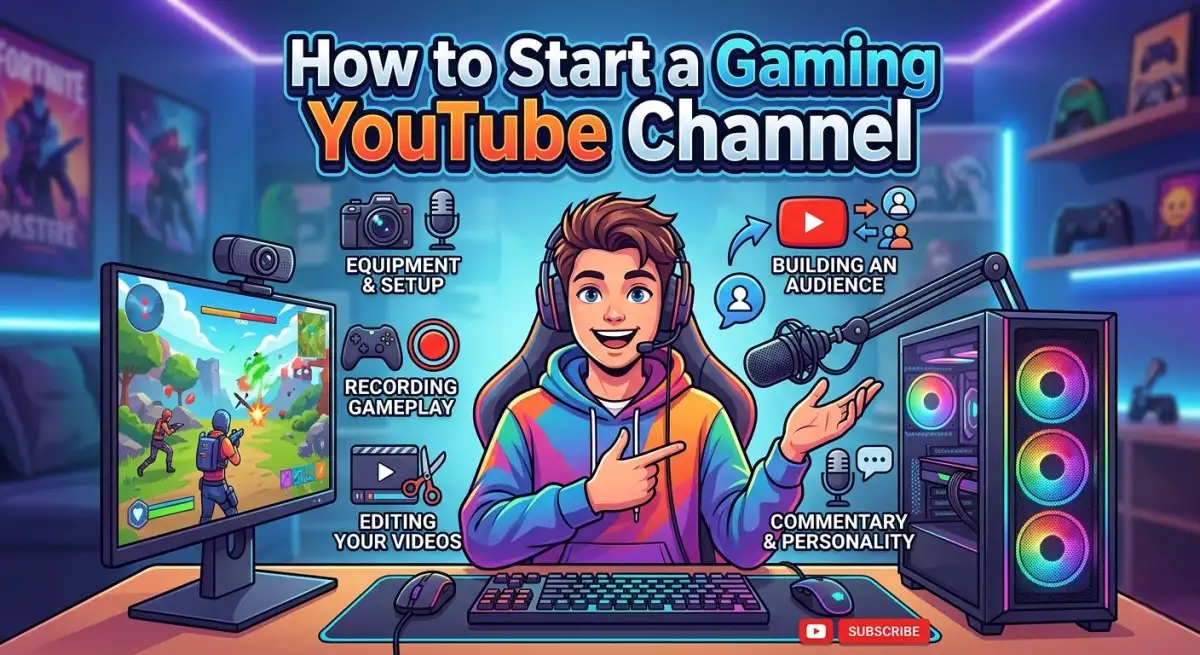
Starting a gaming YouTube channel has become one of the most popular ways to share gameplay, build a community, and even earn money online. Millions of gamers around the world upload gameplay videos, tutorials, reviews, and livestreams. With the right strategy, consistency, and creativity, you can grow a successful gaming channel.
Many successful creators started with simple setups and gradually improved their content. If you love gaming and want to turn your passion into content creation, this guide will help you understand how to start a gaming YouTube channel step by step.
1. Choose Your Gaming Niche
Before starting your channel, decide what type of gaming content you want to create. Choosing a niche helps attract a specific audience.
Popular gaming niches include:
- Gameplay videos
- Live streaming
- Game tutorials and tips
- Funny gaming moments
- Game reviews
- Walkthroughs and missions
For example, many creators focus on specific games like PUBG Mobile, Free Fire, or Grand Theft Auto V to build a loyal audience.
Choosing a niche also helps YouTube understand your content and recommend it to the right viewers.
2. Create Your YouTube Channel
The first step is creating a channel on YouTube.
Steps to create a channel:
- Sign in to your Google account
- Go to YouTube Studio
- Create a new channel
- Choose a unique channel name
- Upload a profile picture and banner
Make sure your channel branding looks professional and matches your gaming theme.
3. Get the Right Equipment
You do not need expensive equipment to start, but having basic tools will improve video quality.
Basic gaming YouTube setup includes:
Gaming Device
- Gaming PC
- Console
- Gaming smartphone
Screen Recording Software
For PC gaming you can use tools like OBS Studio.
For mobile gaming you can use built in screen recorders or recording apps.
Microphone
Good audio quality is very important for YouTube videos.
Video Editing Software
Editing helps make your videos more engaging. Many creators use Adobe Premiere Pro for editing gameplay videos.
4. Record High Quality Gameplay Videos
When recording gaming videos, focus on:
- Clear video resolution (1080p recommended)
- Smooth gameplay without lag
- Clear microphone audio
- Interesting commentary
Many viewers enjoy creators who explain strategies, share tips, or react to gameplay moments.
5. Edit Your Videos Professionally
Editing can make a big difference in how engaging your videos look.
You can improve videos by:
- Removing boring parts
- Adding music and sound effects
- Adding subtitles or captions
- Including funny moments and highlights
Good editing keeps viewers watching longer, which helps your videos rank better on YouTube.
6. Optimize Videos for YouTube SEO

YouTube is also a search engine, so SEO is important.
To optimize your gaming videos:
- Use keyword rich titles
- Write detailed descriptions
- Add relevant tags
- Create attractive thumbnails
For example, titles like:
- PUBG Mobile Best Sniper Gameplay
- GTA V Funny Moments
- Free Fire Tips and Tricks
These titles help your videos appear in search results.
7. Upload Videos Consistently
Consistency is one of the most important factors for channel growth.
Try to upload videos regularly such as:
- 2 – 3 videos per week
- Daily gaming shorts
- Weekly livestreams
The more content you upload, the more chances you have to reach new viewers.
8. Engage with Your Audience
Building a gaming community is important.
You can engage with viewers by:
- Replying to comments
- Asking questions in videos
- Hosting livestreams
- Playing games with subscribers
This helps create loyal viewers who return to your channel.
9. Promote Your Gaming Channel
Promoting your videos can help your channel grow faster.
You can share your videos on:
- Gaming groups
- Social media platforms
- Gaming forums
- Discord communities
Many creators also collaborate with other gaming YouTubers to reach new audiences.
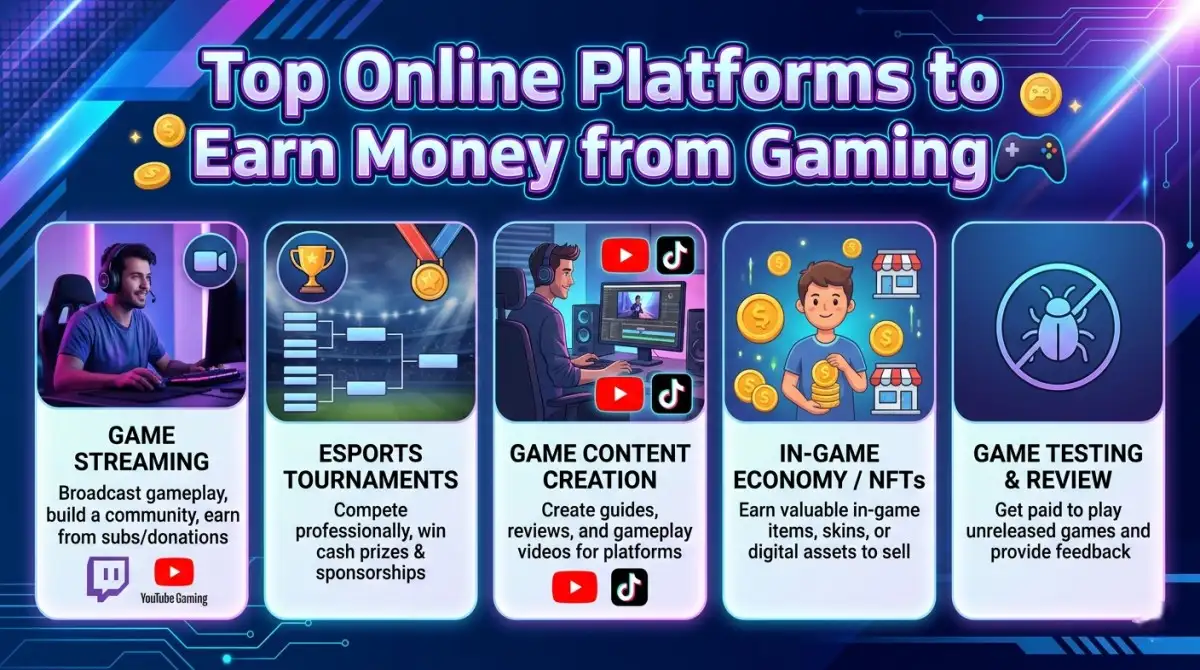
10. Monetize Your Gaming Channel
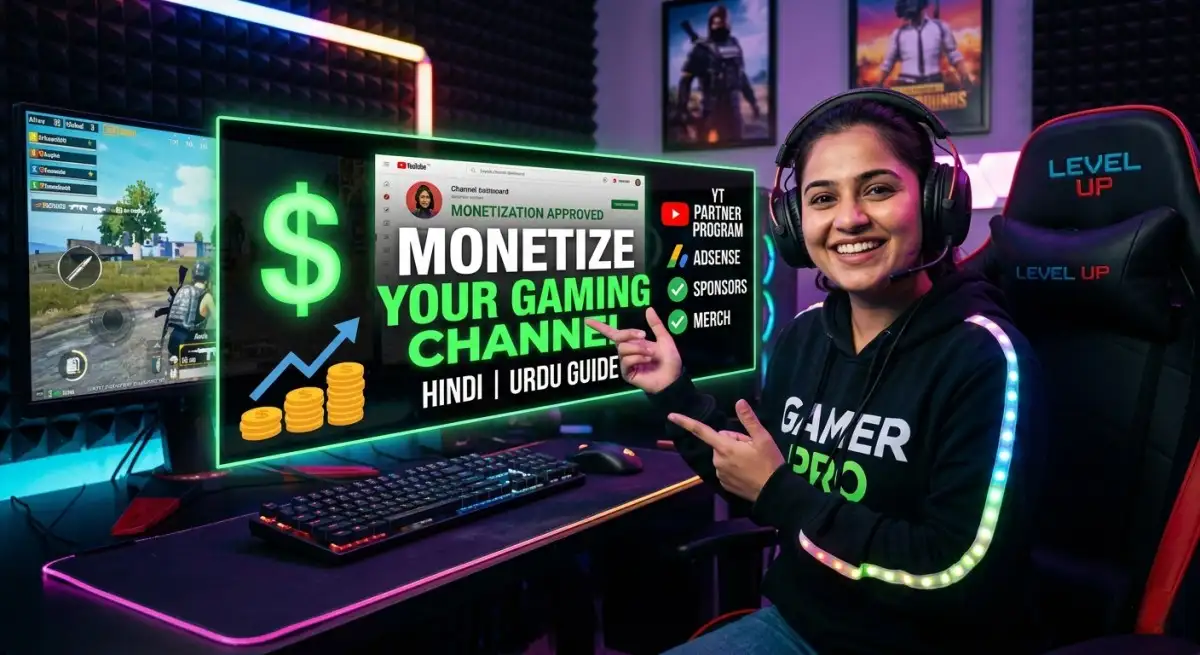
Once your channel grows, you can start earning money.
YouTube requires:
- 1,000 subscribers
- 4,000 watch hours (or shorts requirements)
After monetization, you can earn from:
- YouTube ads
- Sponsorships
- Gaming brand deals
- Affiliate marketing
- Livestream donations
Many successful gaming creators earn a full time income through YouTube.
Common Mistakes New Gaming YouTubers Make
Many beginners quit early because they expect instant success.
Avoid these mistakes:
- Uploading low quality videos
- Inconsistent posting
- Ignoring thumbnails and titles
- Copying other creators
- Giving up too early
Building a successful channel takes time and patience.
Final Thoughts
Starting a gaming YouTube channel is easier than ever, but success requires creativity, consistency, and passion for gaming. Focus on producing high quality videos, engaging with your audience, and continuously improving your content.
With dedication and smart strategy, your gaming channel can grow into a strong community and even become a reliable source of income.