03 November 2025
In the booming world of e-commerce, TikTok Shop has emerged as a game changer for creators, small business owners, and aspiring entrepreneurs in Pakistan. With over 2 billion global users and a massive young audience in the country, setting up a TikTok Shop account in Pakistan allows you to sell products directly through engaging short videos, live streams, and shoppable posts. Whether you're a fashion retailer, beauty influencer, or handmade crafts seller, TikTok Shop can skyrocket your sales by tapping into viral trends.
This comprehensive guide will walk you through how to create a TikTok Shop account in Pakistan from scratch. We'll cover eligibility criteria, the registration process, verification tips, and optimization strategies to ensure your store complies with local regulations and TikTok's policies. By the end, you'll be ready to launch your online store and start earning. Note: This guide is based on the latest updates as of November 2025 always check TikTok's official resources for any changes.
What is TikTok Shop and Why Should You Start One in Pakistan?
TikTok Shop is an integrated e-commerce feature within the TikTok app that lets sellers showcase and sell products seamlessly. In Pakistan, where digital commerce is growing at 35% annually (according to Statista), TikTok Shop offers unique advantages:
- Viral Reach: Leverage TikTok's algorithm to reach millions without paid ads initially.
- Low Barriers: No need for a separate website, everything happens in app.
- Local Relevance: Supports PKR currency, local payment gateways like JazzCash and EasyPaisa, and Urdu/English product listings.
- Monetization Tools: Earn commissions from affiliate sales or direct revenue from your store.
For Pakistani sellers, TikTok Shop is particularly exciting as it bridges the gap between social media entertainment and shopping, especially for Gen Z and millennials who spend hours scrolling.
Eligibility Requirements for Creating a TikTok Shop Account in Pakistan
Before diving into the steps, ensure you meet these criteria to avoid rejection during verification:
- Age and Legal Status: You must be at least 18 years old. Businesses need to be legally registered (e.g., via FBR for tax purposes).
- TikTok Account: An active personal or business TikTok account with at least 1,000 followers (though some categories may require more).
- Business Documentation: Valid CNIC (for individuals) or NTN (National Tax Number) and business registration proof for companies.
- Product Compliance: Sell only authentic, non prohibited items (e.g., no counterfeit goods, weapons, or adult content).
- Bank Account: A verified Pakistani bank account for payouts (supports HBL, UBL, etc.).
- Location: Must be based in Pakistan with a valid address for shipping.
If you're an influencer, you can also join as an affiliate without a full shop setup.
Step by Step Guide: How to Create a TikTok Shop Account in Pakistan
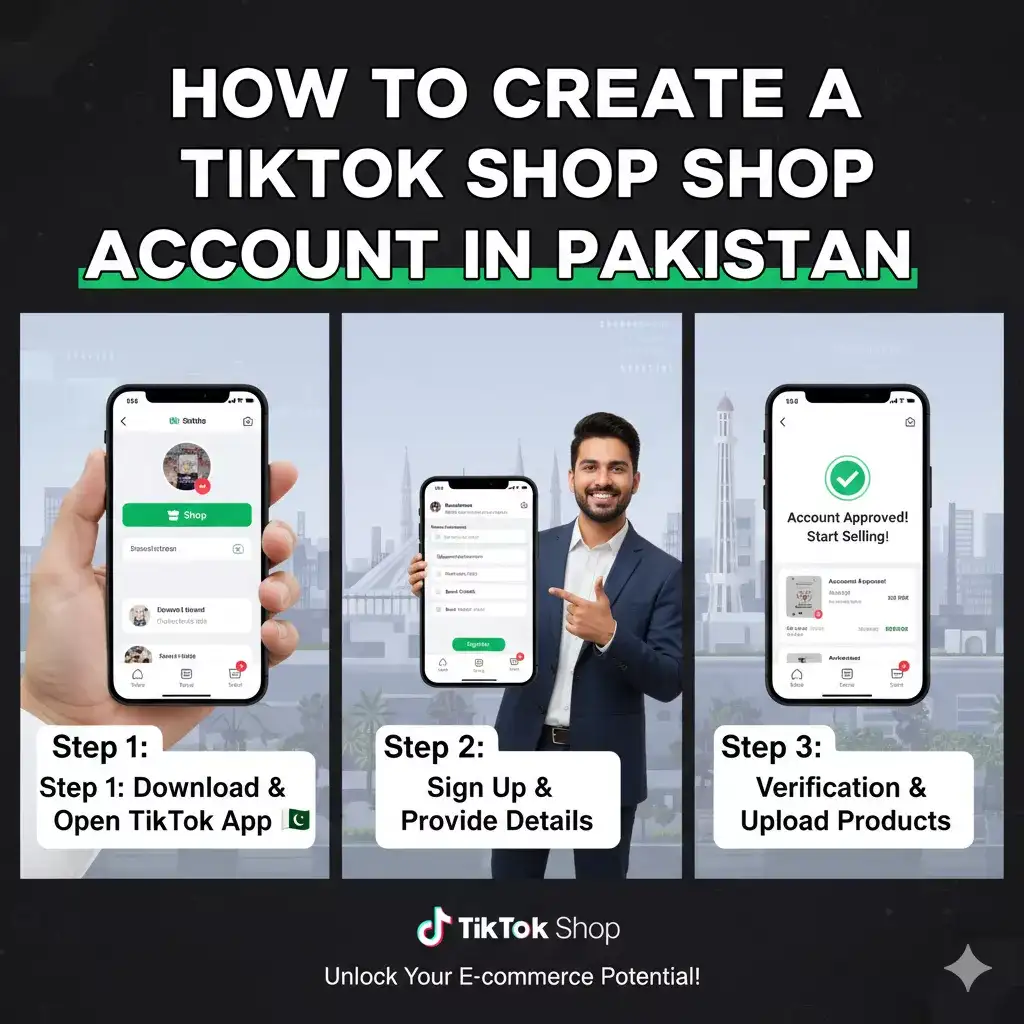
Creating a TikTok Shop seller account in Pakistan is straightforward and takes about 30-60 minutes, plus 3, 7 days for approval. Follow these steps using the TikTok app or Seller Center.
Step 1: Download and Set Up Your TikTok App
- Download the latest TikTok app from Google Play Store or Apple App Store.
- Log in with your existing account or create a new one using your phone number or email.
- Switch to a Business Account if you haven't already: Go to Profile > Menu (three lines) > Settings and Privacy > Account > Switch to Business Account. Select "Seller" as your role.
Pro Tip: Optimize your profile with a clear bio, profile picture (your brand logo), and link to your website or Instagram for better SEO and discoverability.
Step 2: Access the TikTok Shop Seller Center
- Open the TikTok app and tap the Shop icon (bag symbol) at the bottom navigation bar.
- If it's your first time, you'll see an option to "Set Up Shop." Tap it.
- Alternatively, visit the TikTok Seller Center via a web browser: Go to seller.tiktok.com and sign in with your TikTok credentials.
- Select Pakistan as your region to access localized features.
Step 3: Register Your Business and Submit Documents
- Click Start Selling or Apply for TikTok Shop.
- Choose your seller type: Individual Seller (for solo entrepreneurs) or Brand Seller (for registered businesses).
- Fill in basic info:
- Business name (e.g., "Karachi Crafts Hub").
- Contact details (phone, email).
- Business address (must match your CNIC/NTN).
- Upload required documents:
- CNIC front/back or business license.
- Bank statement or IBAN for payouts.
- Product catalog preview (optional but recommended, include 5-10 sample items).
- Agree to TikTok's Seller Terms, including data privacy and anti-counterfeit policies.
SEO Keyword Integration: Use descriptive names like "Affordable Handmade Jewelry in Lahore" to improve search rankings within TikTok.
Step 4: Verify Your Identity and Account
- TikTok will send a verification code to your phone/email.
- For advanced verification, link your FBR NTN via the integrated portal.
- Wait for approval: TikTok reviews applications manually. You'll get an email notification within 3, 7 business days.
- If rejected, common reasons include incomplete docs or prohibited products, resubmit with fixes.
Time Saver: Prepare scans of documents in advance using apps like CamScanner for clear uploads.
Step 5: Set Up Your Shop Profile and Inventory
Once approved:
- Customize your shop: Add a banner, description (e.g., "Premium Pakistani Fashion at Your Fingertips"), and shipping policies.
- Add products:
- Go to Seller Center > Products > Add New Product.
- Upload high-quality images/videos (up to 9 per item).
- Set details: Title (SEO friendly, e.g., "Women's Embroidered Kurta Set - Festive Wear"), description, price in PKR, variants (sizes/colors), and stock quantity.
- Integrate shipping: Partner with local couriers like TCS or Leopard for nationwide delivery.
- Enable payments: Link your bank and activate gateways like Stripe (if available) or local options.
Step 6: Launch and Promote Your TikTok Shop
- Go live: Create shoppable videos or host live sessions tagging products.
- Track analytics: Use Seller Center dashboard for sales, views, and conversion rates.
- Comply with rules: Disclose sponsored content and maintain 95%+ on-time delivery.
Common Challenges and How to Overcome Them When Creating a TikTok Shop in Pakistan
- Slow Approval: Double-check docs for clarity; contact support via in-app chat.
- Payment Issues: Ensure your bank supports international transfers (TikTok pays in USD, converted to PKR).
- Content Restrictions: Avoid misleading claims, focus on genuine reviews to build trust.
- Competition: Use trending sounds and hashtags like #TikTokShopPakistan or #ShopLocalPK to stand out.
Tips for Optimizing Your TikTok Shop for Success in Pakistan
To make your TikTok Shop account in Pakistan thrive:
- Content Strategy: Post 3, 5 videos weekly featuring unboxings, tutorials, or user generated content.
- SEO Best Practices: Include keywords like "buy online in Karachi" in titles and captions for better app search visibility.
- Customer Engagement: Respond to comments within 24 hours and offer flash sales during Eid or Black Friday.
- Analytics-Driven Growth: Monitor top performing products and scale inventory accordingly.
- Legal Compliance: Register for sales tax with FBR if your annual turnover exceeds PKR 5 million.
Frequently Asked Questions (FAQs) About Creating a TikTok Shop Account in Pakistan
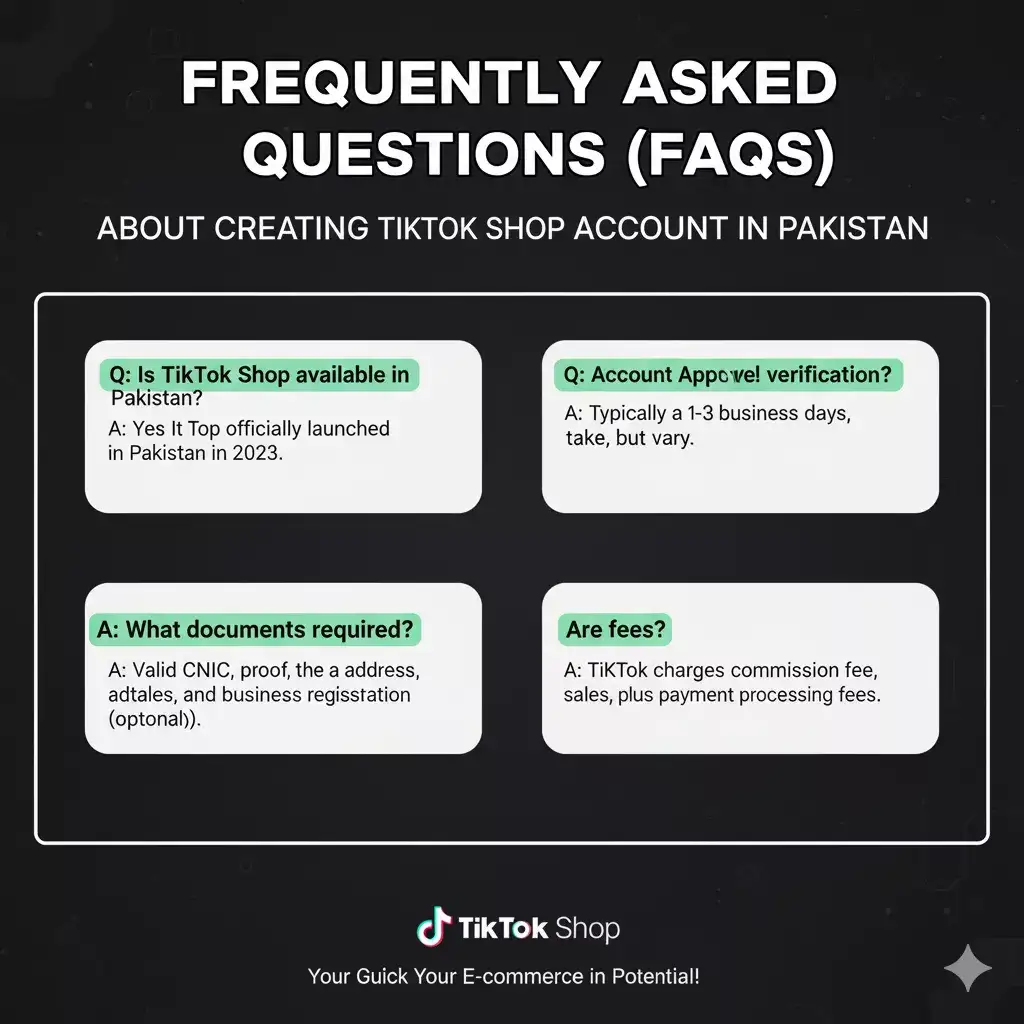
1. Is TikTok Shop free to set up in Pakistan?
Yes, registration is free, but TikTok charges a 2 - 8% commission per sale, plus payment processing fees.
2. How long does it take to get approved for TikTok Shop in Pakistan?
Typically 3 - 7 days, but it can be faster with complete documentation.
3. Can I sell international products on TikTok Shop Pakistan?
Yes, but ensure customs compliance and local sourcing for faster shipping.
4. What if I don't have 1,000 followers?
Start by growing your account organically through collaborations, then apply as an affiliate seller.
5. How do I withdraw earnings from TikTok Shop?
Payouts are processed weekly/monthly to your linked bank account, with a minimum threshold of $50.
Conclusion: Start Selling on TikTok Shop Today and Boost Your Business
Creating a TikTok Shop account in Pakistan is your ticket to turning viral moments into real revenue. With its user friendly setup and powerful tools, even beginners can launch a thriving store. Follow this guide, stay compliant with TikTok's policies, and focus on authentic content to build a loyal customer base.
Ready to get started? Head to the TikTok app now and apply. For more e-commerce tips, check out our guides on Shopify vs. TikTok Shop or Best Dropshipping Suppliers in Pakistan.